An AirTag is an item finder whose location reports depend on how the Find My system locates the tagged object. If you are considering one for a cat, first understand the difference between a report relayed through nearby devices and finding an AirTag that is near your own phone. A map point alone does not establish where the cat is now.
Apple's instructions explain personal-item finding. They do not, by themselves, establish suitable animal attachment or make an AirTag holder a tested pet-tracking system. Keep those equipment questions separate from what a location report means.
Follow the report through the Find My network
Apple describes AirTag sending a Bluetooth signal that nearby Find My network devices can detect. Those devices relay location information through Apple's service so it can appear in the Find My app. The surrounding network devices are part of that reporting path.
That description does not establish a guaranteed update interval or a fixed area in which a moving animal will always be found. A product photograph cannot demonstrate that a nearby network device detected the AirTag or that a new report has reached the app.
For a different architecture, our cellular GPS pet-tracker explanation separates obtaining a satellite position from sending it over a supported mobile connection. Do not transfer a cellular tracker's service, coverage or update claims to an AirTag simply because both products can be associated with a map.
Read the location and its associated time
Apple's complete item-location instructions explain that a located item's name is accompanied by its location and timestamp. The position updates when the item connects to the Find My network. If it cannot be located, the app shows where and when it was last located.
Read the time with the point. A last-known location remains a report from that time; it is not evidence that the object has stayed there. It also describes the tagged object. The report alone cannot establish that a tag remains attached to an animal.
For example, seeing an earlier point later in the day does not turn it into a fresh observation. This is an interpretation example, not a test of refresh speed. Follow the current app instructions for the actual display rather than assigning a meaning to an indicator from an unrelated product.
Nearby finding answers a different question
Apple's guidance on AirTag and Find My describes Precision Finding for supported equipment when the AirTag is nearby. It notes that environmental factors, including walls and intervening objects, can affect performance. Being able to see a location report does not establish that your phone currently has that nearby connection.
| What you are using | What to check | Keep the limit visible |
|---|---|---|
| A location shown in Find My | The associated time and whether it is a last-known report. | The tagged object may have moved since the report. |
| Nearby Precision Finding | Support for the exact equipment and a nearby connection. | A remote map point does not prove nearby finding is available. |
| A sound from the item | Whether the app offers that function for the current situation. | A sound feature does not establish remote reporting coverage. |
Apple's same support article explicitly says AirTag is not shown at icloud.com/find. The product page's description of relaying information to iCloud is not permission to assume that this website can locate an AirTag. Use the documented Find My app workflow.
Check the exact hardware before using a feature
Find the instructions for the actual AirTag generation and the phone or other supported equipment you intend to use. Check the current software and feature requirements there. A requirement stated for one generation should not be silently assigned to every earlier device.
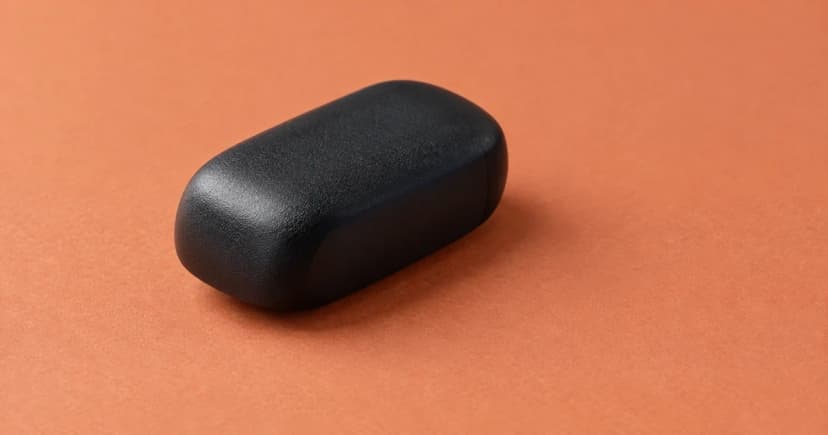
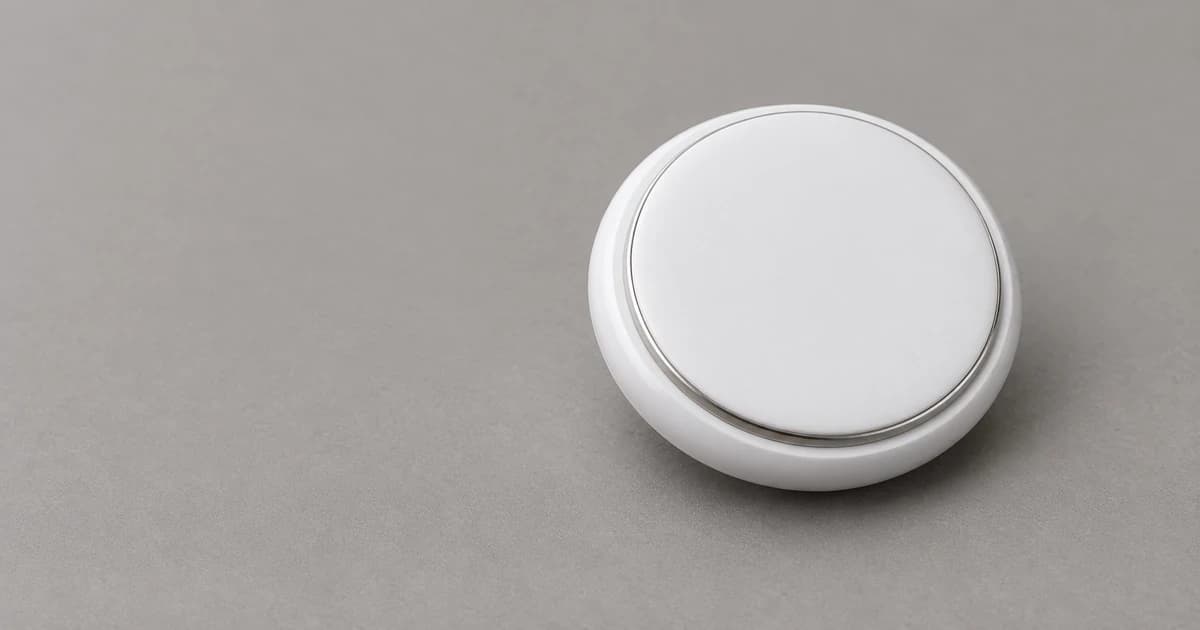
This distinction also applies to illustrations. They support exterior appearance only. They do not verify the performance or compatibility statements on Apple's current product page, which describes newer hardware.
A holder presents another equipment question. Pawlivy's tracker holders and mounts category does not establish that a particular holder fits a particular device, is appropriate for a cat or has been tested for animal attachment. A round opening or a familiar-looking case is not that evidence.
Keep a small report-interpretation record
If a display is unclear, record the equipment and what you actually saw before asking the maker a specific question. This record describes the system; it is not a recovery guarantee, coverage test or attachment assessment.
| Record | Your note |
|---|---|
| Exact equipment | AirTag generation and supported phone/software information: ____ |
| App report | Displayed location and associated time: ____ |
| Report context | Current view or last-known information, as described by the app: ____ |
| Nearby function | Function offered and relevant current instructions: ____ |
| Unresolved detail |
Keep identification and attachment questions separate
The same reporting distinctions matter when considering an item finder in connection with a dog: changing the animal does not change what the timestamp proves. Animal-specific suitability requires its own evidence and cannot be inferred from these personal-item instructions.
Implanted identification has another role. Our microchip identification versus location-tracking guide explains the identification and registry distinction. An external item's map report does not update that registry, and an identification number does not supply a moving location.
The editorial policy explains how we distinguish named-source instructions from product testing. Assess the documented reporting conditions before treating any displayed point as a current observation of an animal.