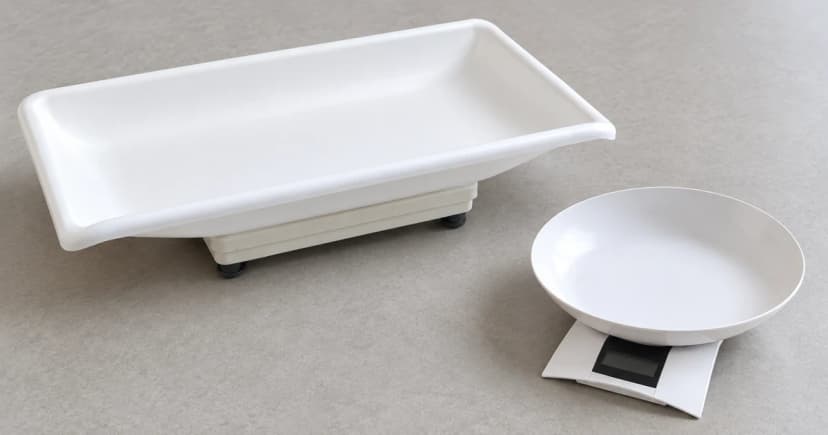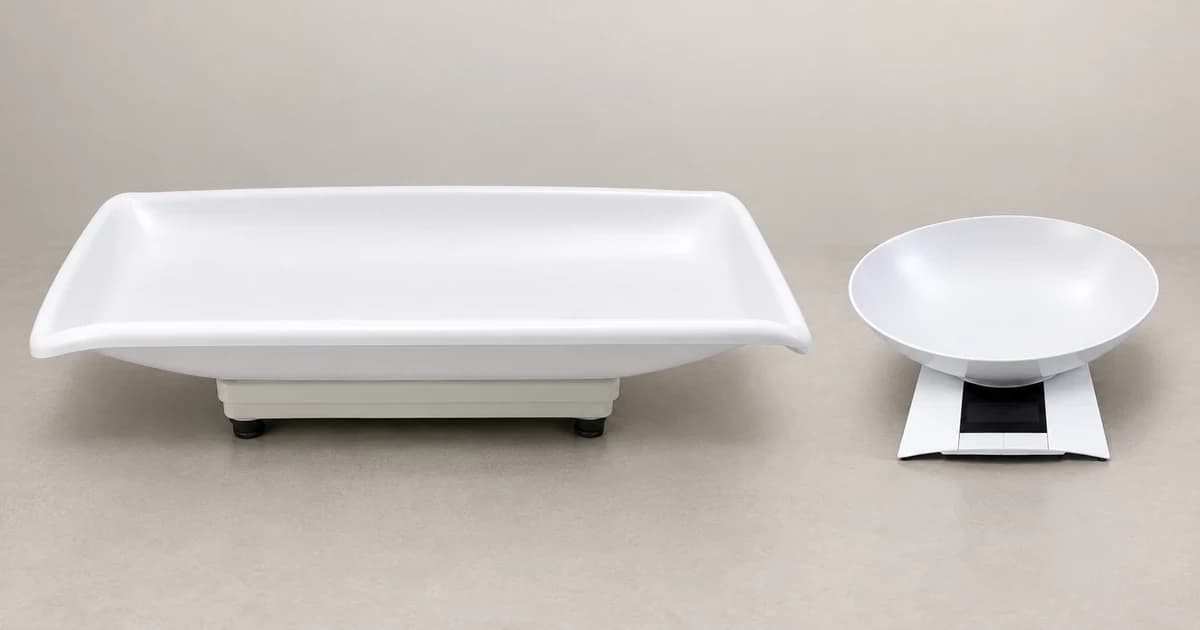
To zero, tare and record a reading on a pet scale, start with the instructions for the actual model and manual revision. Check the unloaded zero, select the intended unit, and use the model's tare procedure only when an approved empty container or accessory needs to be excluded. Record the displayed value together with its unit and whether it is a net, stable or held reading.
A display showing zero does not, by itself, tell you whether the platform is unloaded or a tare value has been stored. Likewise, a number that stays on screen may be a held result rather than a new measurement.
Match the scale to its instructions first
Keep the device label, model and applicable manual revision together. Check the permitted platform setup and accessories, the stated weighing range, and the symbols used for zero, stability, net weight and hold. Use the location and setup instructions for that instrument; do not identify its functions from a similar-looking display.
A real mismatch shows why this matters. The horizont manual for article 38129052150 names SF-889 on its cover, while its technical section names FS-7704 and lists several capacities. Those details do not establish one confirmed model and specification. Resolve the device/manual match with the supplier before using that document as a button-by-button guide.
The examples below identify older, specific manual versions. They explain distinctions to check; they do not establish that every current model or firmware revision works the same way.
Separate unloaded zero from a stored tare
Begin with the platform in the unloaded condition required by your scale's instructions. Complete its startup and zero check before treating the display as a new baseline. If a permitted empty container is needed, follow the matching tare instructions and identify the resulting net-weight indication. Keep the container and any other included accessories in the record.
Taring changes the displayed basis of the reading. It does not increase the instrument's physical weighing capacity. Do not assume a zero display means that an accessory's weight can be ignored when checking the applicable range.
The Adam CPWplus manual, Rev. D2, March 2017, combines zero and tare in the Tare/Zero key. Its container example stores the offset and shows Net; removing the container can leave a negative display. The Unit key selects units already enabled for that revision.
Its hold settings also differ: Hod 1 disables hold, Hod 2 holds automatically when stable, and Hod 3 uses manual hold. The Print/Hold key's effect and release behaviour depend on the transmission and time settings. Check the applicable configuration rather than treating that key as a universal animal-averaging button.
Check whether the result is stable, held or averaged
In the KERN EOB/EOE_L/EOE_XL/EOS manual, version 3.1, April 2015, TARE can zero the unloaded plate; container taring produces the NET indication. Its normal weighing procedure waits for the stability indication before reading. To delete a stored tare, unload the balance and press TARE.
That version's HOLD function calculates a mean, with a stated minimum load of 1% of the model's maximum. Excessive movement prevents that calculation. The value remains until HOLD is pressed again. These conditions belong to this manual, not to every scale with a Hold label.
If a result does not meet the actual model's conditions, record the unresolved issue rather than presenting a convenient frozen number as a completed reading. This is an instrument-state check, not a method for positioning or restraining an animal.
Record the value with its context, then clear the state
| Field | What to record |
|---|---|
| Instrument | Actual scale model and manual revision used |
| Result | Displayed number and unit, without adding decimal places |
| Tare | Whether tare was used and which empty accessory it excluded |
| Display state | Stable, held or averaged according to that model's indications |
| Session | Date and any unresolved movement, error message or setup question |
Before the next session, follow the same model's instructions to release a held value and clear any stored tare. Confirm the resulting state rather than assuming switching units or waiting has reset it.
When comparing pet scales, include accessible instructions, supported accessories and readable state indications in the decision. A recorded number is not a health assessment, and a clear display alone does not prove accuracy or suitability.