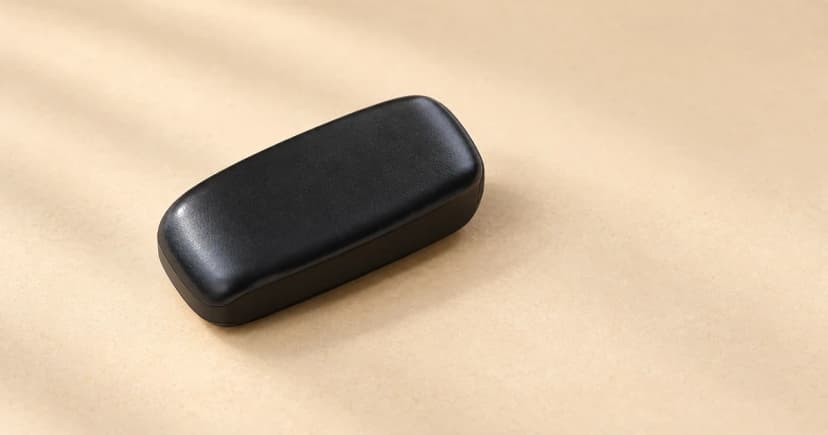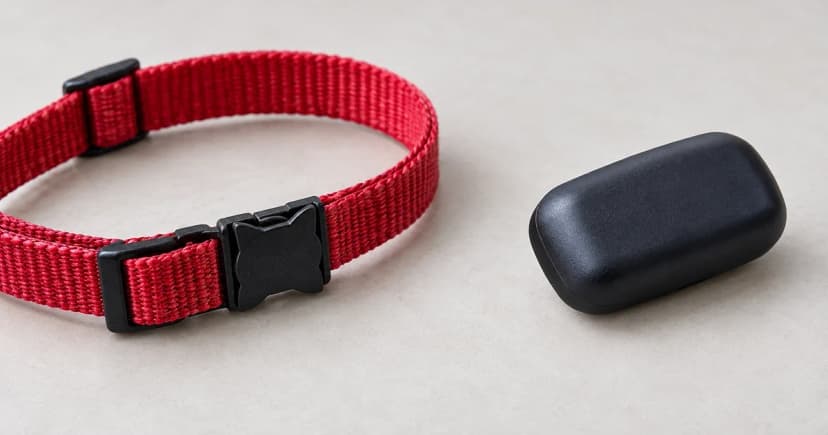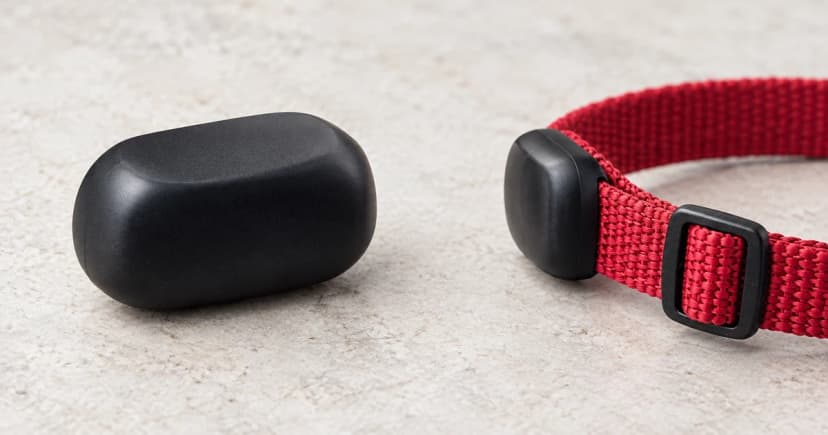

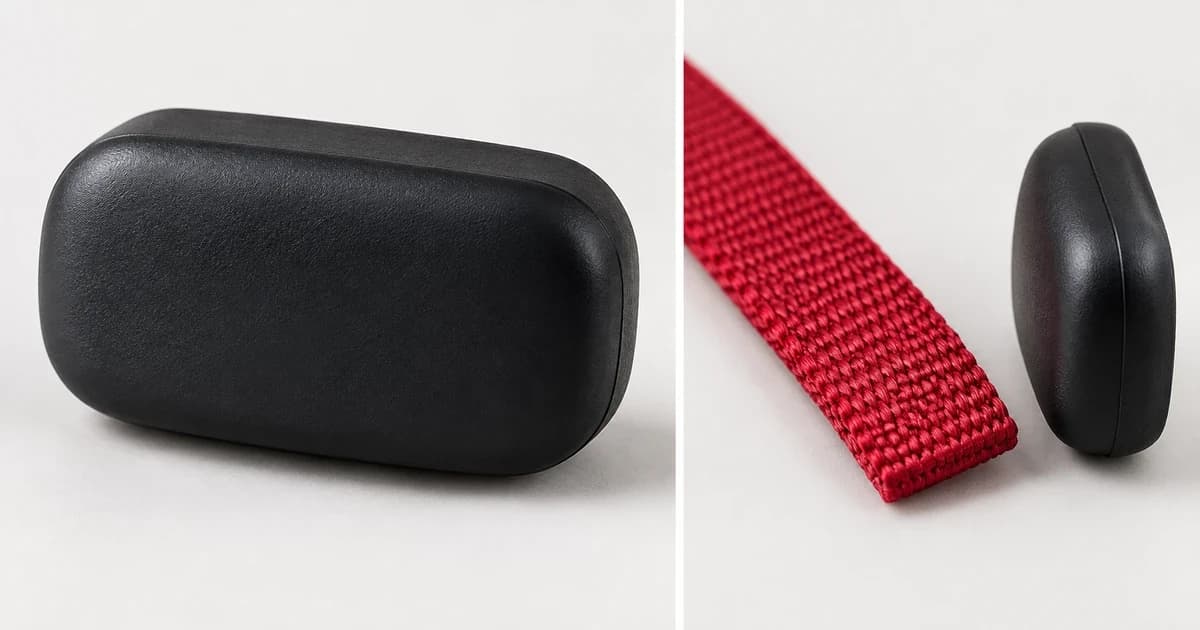
Knowing how to attach a pet GPS tracker to a collar starts with matching three items to the manufacturer's exact diagram before placing the collar on your pet: the tracker generation, the specific rubber clip or sleeve accessory, and your collar's measured strap width. When checking how to attach pet GPS tracker to collar hardware, never transfer a 4 cm or 3.4 cm width limit to a standard 2.8 cm or 3 cm clip, and never stack a CAT Mini rubber sleeve over a plastic mount.
Route your tracker model, accessory, and collar width in one table
Use this model-and-accessory routing table and visual boundary guide to find the exact fastening procedure and width limit documented by Tractive and Weenect:
| Exact tracker model & official source | Documented mount or accessory | Stated collar-width limit | Official fastening route & seating check | Scope limit (do not extrapolate) |
|---|---|---|---|---|
| Tractive DOG 6 & DOG 6 XL (Tractive attachment guide) | DOG 6 / DOG 6 XL rubber mount | Up to 3 cm wide (≤ 3 cm) | Hook the rubber mount clips into the tracker's side hooks/ears so the fitted tracker lies flat against the collar without sliding | Do not apply DOG 4's 1.5 cm / 3.4 cm routing steps or DOG XL Adventure's 4 cm limit to DOG 6 / DOG 6 XL |
| Tractive DOG XL & DOG XL Adventure (Tractive attachment guide) | DOG XL / DOG XL Adventure mount | Up to 4 cm wide (≤ 4 cm) | Fasten according to the XL/Adventure mount diagram and perform the documented gentle-pull check to confirm engagement | The 4 cm width allowance and gentle-pull check belong strictly to DOG XL / DOG XL Adventure, not smaller clips |
| Tractive CAT 6 Mini (Tractive attachment guide) | Integrated collar construction | Integrated collar (not a loose slide-on clip) | Follow CAT 6 Mini's integrated collar fitting and breakaway-mechanism instructions | Do not substitute CAT Mini external sleeves or clips onto CAT 6 Mini |
| Tractive CAT Mini (Tractive attachment guide) | Separate collar mount OR rubber sleeve | Follow the specific CAT Mini mount or sleeve path | Install the tracker using either the mount or the rubber sleeve alone | Explicit exclusion: never place the rubber sleeve over the tracker and mount combined |
| Tractive DOG 4 / LTE (DOG 4/LTE getting-started guide) | DOG 4/LTE Regular clip vs. XL clip (remove collar from pet first) | Regular clip: up to 2.8 cm max; XL clip: up to 3.4 cm max | For collars ≤ 1.5 cm: thread strap through both rectangular holes. For collars 1.6–3.4 cm: unhook one side, lay collar between tracker and clip, and re-hook | Critical cap: the 1.6–3.4 cm routing section does not increase the regular clip's 2.8 cm maximum—collars from 2.9 to 3.4 cm require the XL clip |
| Weenect XT standalone without integrated JK9 collar (Weenect XT attachment guide) | Silicone case (collar route) vs. silicone case + extra Velcro straps (dog harness route) | Exact collar width, thickness, and load limits are unstated on the written page | Collar uses the silicone case; harness route adds Velcro straps on both sides with the tracker oriented skyward | Skyward orientation and dual Velcro straps belong to the harness instructions, not every collar setup; keep unstated collar width/thickness marked for verification |
Check seating without inventing a force test or makeshift repair
Always remove the collar from your dog or cat before attaching or adjusting the mount. Once fastened, visually verify that every hook, ear, or slot named in your model's manual is seated flat. Never wrap tape, zip ties, glue, or extra rubber bands around a loose holder, and never yank forcefully on a plastic clip to "test" its strength beyond the gentle-pull check specifically documented for the Tractive DOG XL / DOG XL Adventure mount.
Keep collar attachment separate from live GPS verification
When comparing hardware in cellular GPS pet trackers, verify the exact model generation and included mount code before ordering. And once the tracker is securely seated on the collar, remember that physical attachment is separate from wireless signal reporting—follow our guide to how pet GPS trackers work to check satellite and cellular updates before an outing.