
Clean a pet camera by first identifying whether you are touching the outer housing, a protective front window or dome cover, or an exposed camera lens, and then applying only the cloth and cleaner permitted by that exact model's manual. Permission to use lens cleaner on a computer webcam lens never overrides a “dry cloth only” restriction on a standalone Wi-Fi camera, and an app's privacy mode is never a substitute for proper power disconnection.
Identify the Accessible Surface and Power Prep Before Touching It
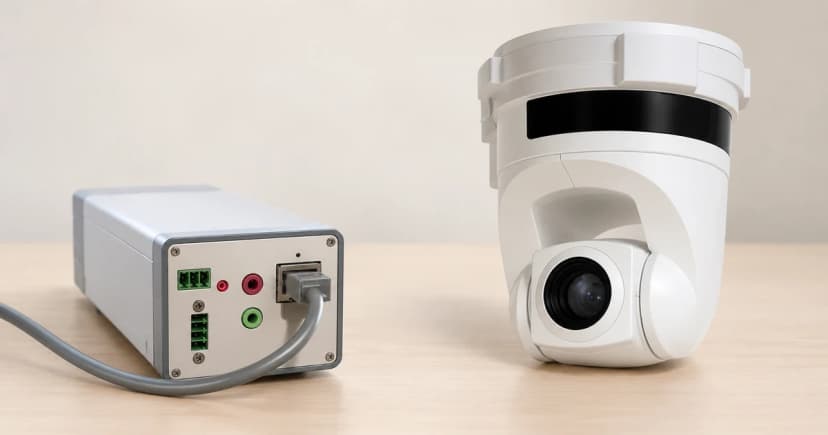
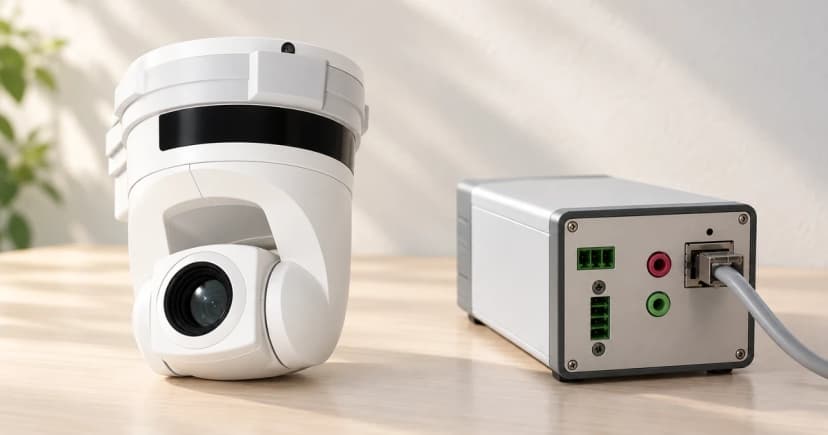
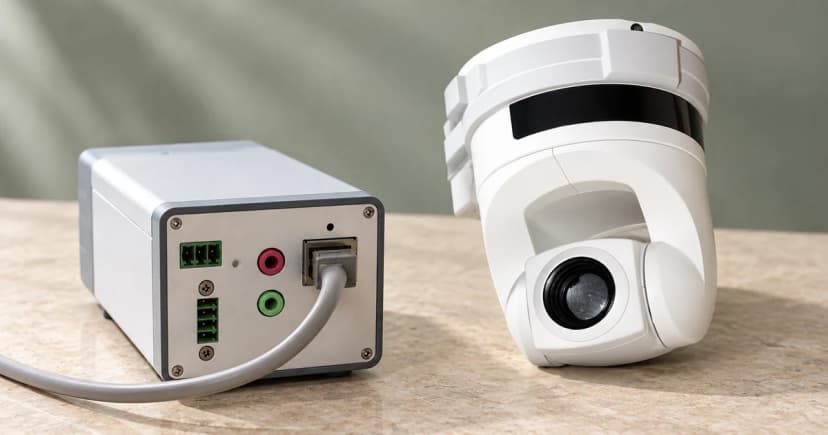
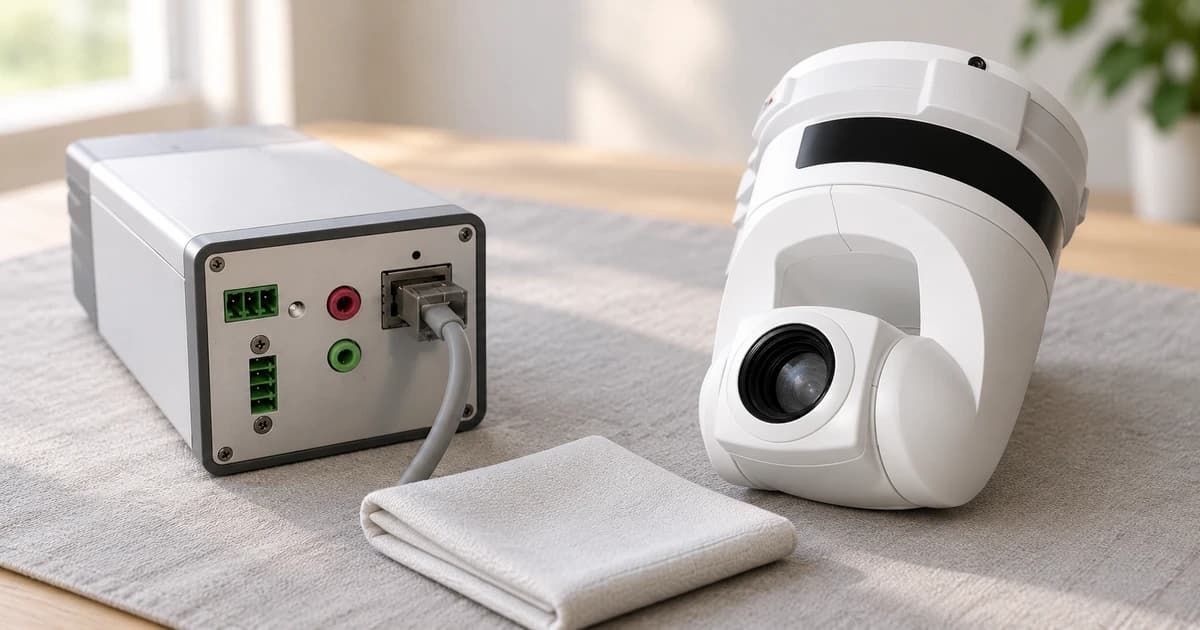
Check your camera's model label and quick start guide before reaching for any wipe or spray. Distinguish three separate external zones: the plastic or metal outer body (housing), a clear protective front window or dome cover, and an exposed optical lens. Never pry off a front bezel or sealed dome to reach an interior lens element that is not designed for user contact.
Follow the hardware power-preparation step specified in your camera's manual before wiping. Toggling “privacy mode” or seeing an offline icon in a mobile app does not electrically isolate a cabled device.
Brand & Surface Cleaning Permission Matrix: Logitech, Tapo C260(EU)1.0, and Axis
Because different camera manufacturers set mutually exclusive liquid and cloth rules, check this model-and-surface matrix before choosing a cleaning material:
| Brand & Documented Scope | Target Accessible Surface | Permitted Cloth & Cleaning Material | Explicit Restrictions & Preparation Rules |
|---|---|---|---|
| Logitech Device Cleaning Guide (Webcam Section) | Webcam device exterior (housing) vs. webcam lens (listed separately) | Device exterior: soft, lint-free cloth lightly moistened with tap water. Webcam lens: lens cleaner applied to a soft, lint-free cloth. |
Switch off and unplug cabled device from computer first; do not spray directly or submerge; no bleach, acetone, strong solvents, or abrasives; do not borrow keyboard/mouse/headset cleaning rules |
| Tapo C260(EU)1.0 Quick Start Guide (7106511973 REV1.0.0) | Entire Tapo C260(EU)1.0 camera product | Use only a dry cloth | Do NOT use liquid to clean the product (Logitech webcam lens cleaner or damp cloth rules do not apply here); prohibits disassembly, repair, modification, or use with a broken casing |
| Axis Focus Troubleshooting Guide (Dec 2024) | Camera domes and front glass (heavily soiled external protective cover only) | If already clean-looking: do not clean. If heavily soiled: mild, solvent-free soap or detergent with lukewarm water, then wipe carefully with a soft, dry cloth. |
Do not clean a dome or front glass that already looks clean; no polishing or excessive cleaning; no harsh chemicals (gasoline, benzene, acetone); avoid direct sun and very high temperatures; lens replacement is a separate procedure |
Keep the Named Manufacturer Permissions in Context
Logitech's device-cleaning guidance includes a dedicated webcam section that instructs users to switch off and unplug a cabled device from the computer, use a soft, lint-free cloth lightly moistened with tap water on the device exterior, and apply lens cleaner to a soft, lint-free cloth for the webcam lens.
Logitech explicitly warns not to spray the device directly or submerge it, and excludes bleach, acetone, strong solvents, and abrasives. Keep those webcam instructions within Logitech's webcam scope—and do not transfer keyboard, mouse, or headset disinfectant rules from the same page onto a camera lens.
The Tapo C260(EU)1.0 Quick Start Guide (7106511973 REV1.0.0) sets a strict rule for that camera: do not use liquid to clean the product; use only a dry cloth. Its safety rules also prohibit disassembly, repair, modification, or operating the unit with a broken casing. Neither Logitech's damp cloth nor webcam lens cleaner is permitted on the Tapo C260(EU)1.0, and the Tapo guide's note to unplug during long periods of non-use is not a liquid-cleaning prep sequence.
Axis's focus troubleshooting guide (December 2024) addresses camera domes and front glass. First, it states not to clean a dome or front glass that already looks clean. Second, for a heavily soiled cover, it specifies lukewarm water with mild, solvent-free soap or detergent followed by careful wiping with a soft, dry cloth, while warning against polishing, excessive cleaning, harsh chemicals (such as gasoline, benzene, or acetone), direct sunlight, and very high temperatures. Keep that procedure attached to Axis domes and front glass rather than bare lenses or unrelated pet cameras.
Wipe Only Accessible Surfaces and Check the View Afterward
Stick strictly to the cloth and dry-or-damp rule listed in your camera's manual. Never poke cloths or swabs into microphone pinholes, SD card slots, or motorized pan-tilt joints, and never force a motorized camera head by hand. If a scratch or internal haze remains after the permitted wipe, stop rather than scrubbing harder or switching to household glass spray.
Once the camera is returned to service in accordance with its manual, verify its framing and network status using our pet-camera setup guide. You can also browse the pet camera category and read our editorial policy on how source-documented care rules differ from hands-on testing.