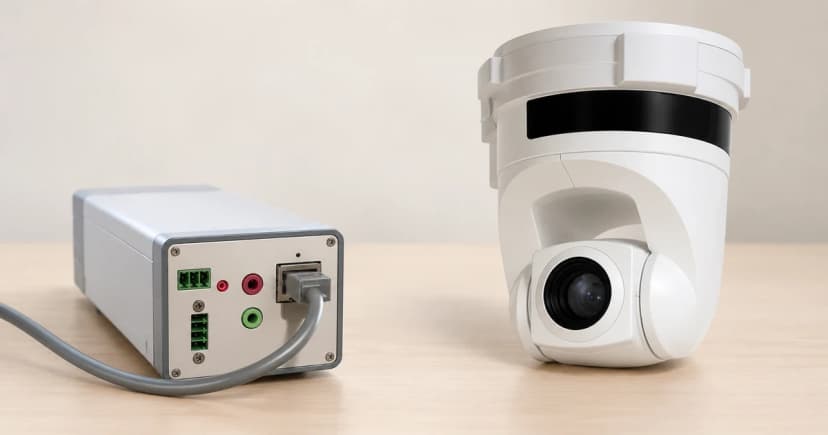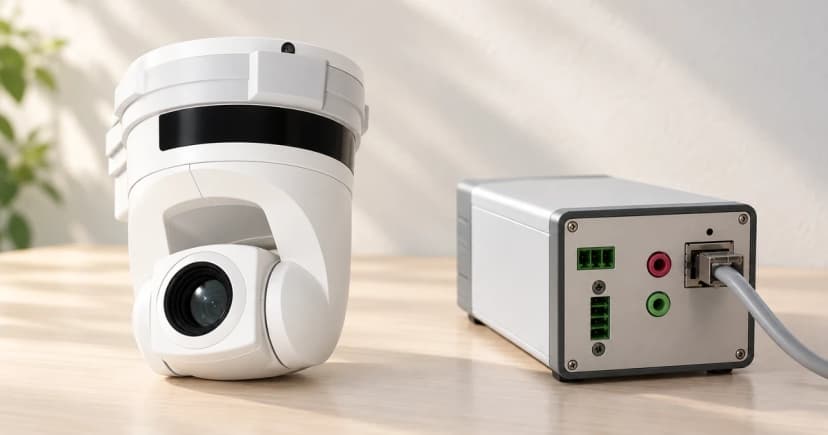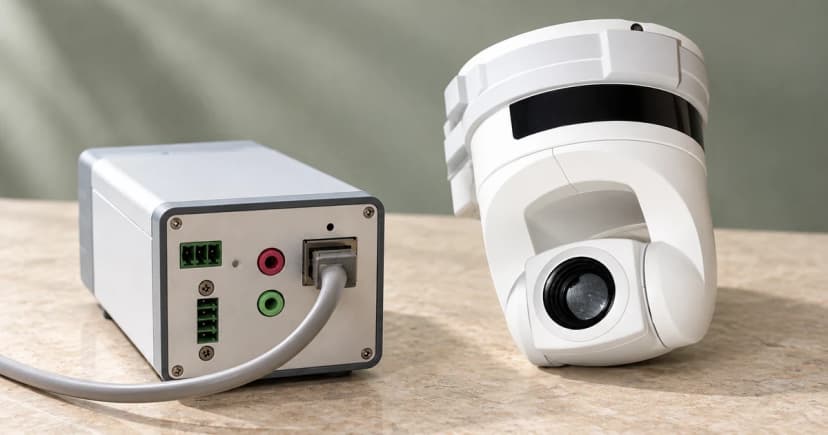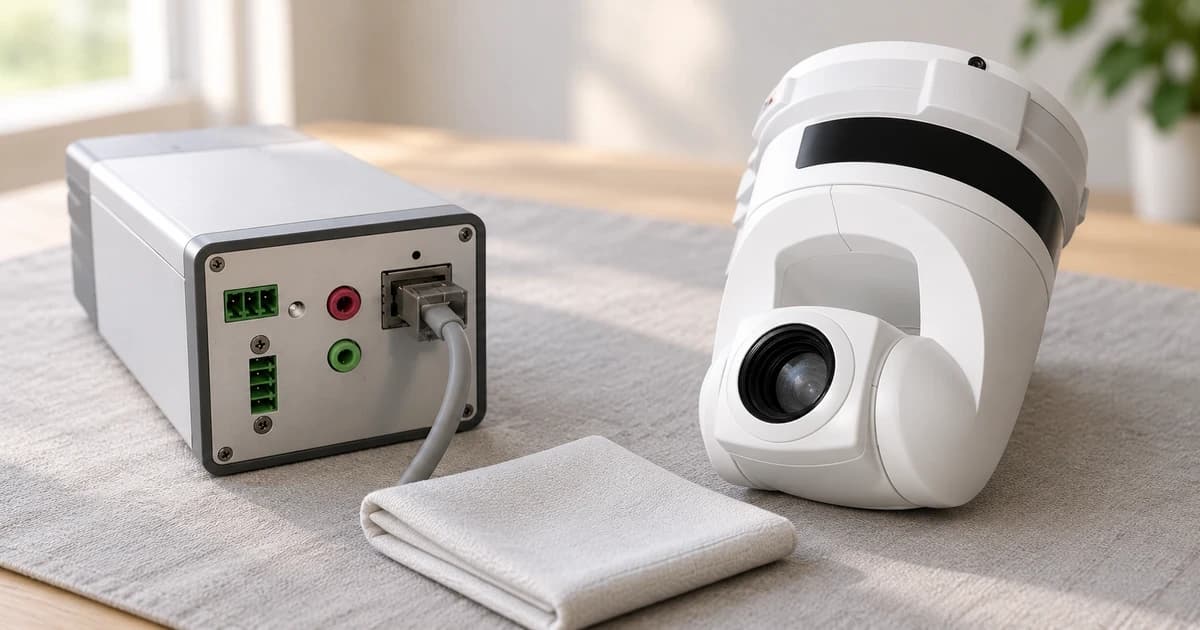
Clean a pet camera by matching the surface you can reach to the instructions for that exact device. The housing, a protective front window and an exposed lens are different surfaces. Permission to dampen a cloth for one of them does not establish permission to wet the others.
Start with the product identity and its care directions, rather than a universal bottle of cleaner. The manufacturer examples below show why an instruction for a webcam lens cannot replace a dry-cloth restriction on another camera.
Identify the outside surface before touching it
Find the model and applicable instructions. Describe the part you intend to clean: the external housing, a front window or a lens surface the maker identifies as accessible. Do not assume every shiny area is bare glass or lift a cover to discover what is behind it.
Look at the accessible surface before deciding that it needs wiping. A mark, a scratch and a part whose condition you cannot identify leave different questions. Keep an uncertain area unresolved rather than pressing harder to make it disappear.
Arrange the maintenance around the device's own power instructions. An app's privacy setting or an offline message does not establish how the hardware should be isolated. Resolve an unclear preparation step with the maker; cleaning is not a reason to improvise a reset, open a casing or interrupt an update.
Keep the named cleaning permissions separate
Logitech's device-cleaning guidance includes a specific webcam section. It describes a soft, lint-free cloth lightly moistened with tap water for the device, and lens cleaner on such a cloth for the webcam lens. Its preparation directions include switching off and unplugging a cabled device from the computer.
That page also says not to spray the device directly or submerge it, and warns against bleach, acetone, strong solvents and abrasives. Keep the webcam instructions with that product context. Cleaning methods under its keyboard, mouse or headset headings do not add permission for a camera lens.
The Tapo C260(EU)1.0 Quick Start Guide gives a different restriction: do not use liquid to clean the product; use only a dry cloth. Its safety section also prohibits disassembly, repair or modification and use with a broken casing.
A liquid permitted for a Logitech webcam is therefore not permission for this Tapo model. The Tapo guide's separate instruction to unplug during long periods of non-use is not a cleaning preparation sequence.
Axis's focus troubleshooting guide addresses its cameras' domes and front glass. For a heavily soiled cover, that section describes mild, solvent-free soap or detergent with lukewarm water and careful wiping with a soft, dry cloth. It warns against polishing, excessive cleaning, harsh chemicals such as gasoline, benzene or acetone, direct sun and very high temperatures.
It also says not to clean a dome or front glass that already looks clean. These are external-cover instructions in their stated context, not a recipe for an exposed lens or every electronic housing. The guide's separate lens-replacement procedure is not part of cleaning.
Prepare only what your instructions permit
Keep the required cloth and the permitted method beside the relevant surface instruction. If the rule is dry cloth only, leave liquids out of that task. If a matching instruction permits a particular cleaner on a cloth, that permission still does not identify every household glass cleaner as suitable.
Work only on the accessible outside area covered by the directions. Do not insert a cloth or tool into sockets, lift a sealed cover or force a moving camera head to reach a hidden area. If access would require an undocumented action, stop at that limit.
A short care note can keep the decision clear: the model, the surface, the preparation followed, the permitted method and any mark that remains unresolved. Record what you actually observed rather than declaring the whole camera clean from one wiped patch.
Finish the care task before checking the view
Follow the applicable finishing and return-to-use directions. Repeated polishing or stronger chemicals are not a substitute for resolving the question.
If the device moved during maintenance, check its placement and actual view afterward. Our pet-camera setup guide handles the separate network, view and access decisions. A care task does not establish a sharper picture, disinfection or reliable monitoring.
The pet camera category is a browsing route, not confirmation that a named manual applies to a listed item. Our editorial policy explains that distinction.