
When asking how far do AirTags work, there is no single distance number that applies to every Find My feature. Nearby finding relies on a direct Bluetooth or Ultra Wideband signal between your phone and the tag in the same area. A remote map update relies on the crowdsourced Find My network—other Apple devices passing nearby—to report an approximate location. Being miles away from your own iPhone does not prevent a network report, and seeing a pin on the map does not mean your phone is connected directly to the tag right now.
Two ways of finding an item
| What you are checking | What the information means | What it does not establish |
|---|---|---|
| Nearby sound or Precision Finding | Your device is close enough to connect directly; compatible Precision Finding displays distance and direction arrows. | A fixed feet-or-meters range through every wall, floor or outdoor environment. |
| A location reported on the map | Apple's crowdsourced Find My network detected the tag and relayed an approximate location and timestamp. | Continuous live GPS tracking, an exact current position after the timestamp, or a direct link to your phone. |
Apple documents nearby Bluetooth and Ultra Wideband finding separately from crowdsourced Find My network reporting in its second-generation AirTag technical specifications and Find My location guide.
Nearby finding: conditions matter more than a fixed distance
When you are close to the tag, Find My can play a chime or launch Precision Finding on supported iPhones. According to Apple's AirTag finding instructions, walls, furniture and other physical obstacles between your iPhone and the AirTag affect signal performance, and Apple does not publish a universal feet-or-meters ceiling that applies across every building or outdoor setting.
If "Find Nearby" does not connect immediately, walk toward the map pin first until your phone picks up the signal, and verify that Bluetooth, Location Services and Find My permissions are enabled.
Remote updates depend on network detection, not distance to your phone
Beyond your own phone's Bluetooth reach, the Find My network uses encrypted Bluetooth detection from other nearby Apple devices to relay an approximate location back to you. Because updates depend on another participating Apple device passing within detection range of the tag, a tag in a busy city Plaza may update frequently while a tag in an empty rural field may only show an older "Last Seen" timestamp. Check the timestamp beside any pin in the Find My app before assuming the object is still at that spot.
Check AirTag generation and system requirements at a glance
Setup eligibility and expanded Precision Finding depend on which AirTag generation and iPhone model you use. The table below summarizes the official requirements checked against Apple's documentation:
| AirTag generation & feature | Required device & OS version | Official source & verification note |
|---|---|---|
| AirTag (1st generation) — Find My setup | iPhone or iPad running iOS / iPadOS 14.5 or later with two-factor Apple Account sign-in | Apple Support 101602 (verified against current setup documentation) |
| AirTag (2nd generation) — Find My setup & finding | iPhone or iPad running iOS / iPadOS 26.2.1 or later (note: tech specs list iOS 26.0 generally, while task setup/finding pages specify 26.2.1) | Apple Support 101602 & 109021 (use 26.2.1 task requirement) |
| AirTag (2nd generation) — Expanded Precision Finding | iPhone Air or iPhone 15 and later (excluding iPhone 16e and iPhone 17e), subject to regional Ultra Wideband availability | Apple Support 126203 (check regional footnotes before assuming compatibility) |
Run an item-finding check you can interpret
- Confirm your AirTag generation, iPhone model and iOS version against the table above.
- Verify Bluetooth, Location Services, Precise Location for Find My, and network settings per Apple's setup guide.
- Record three distinct observations separately: whether a network map pin and timestamp appear, whether Play Sound connects nearby, and whether Precision Finding displays distance and direction.
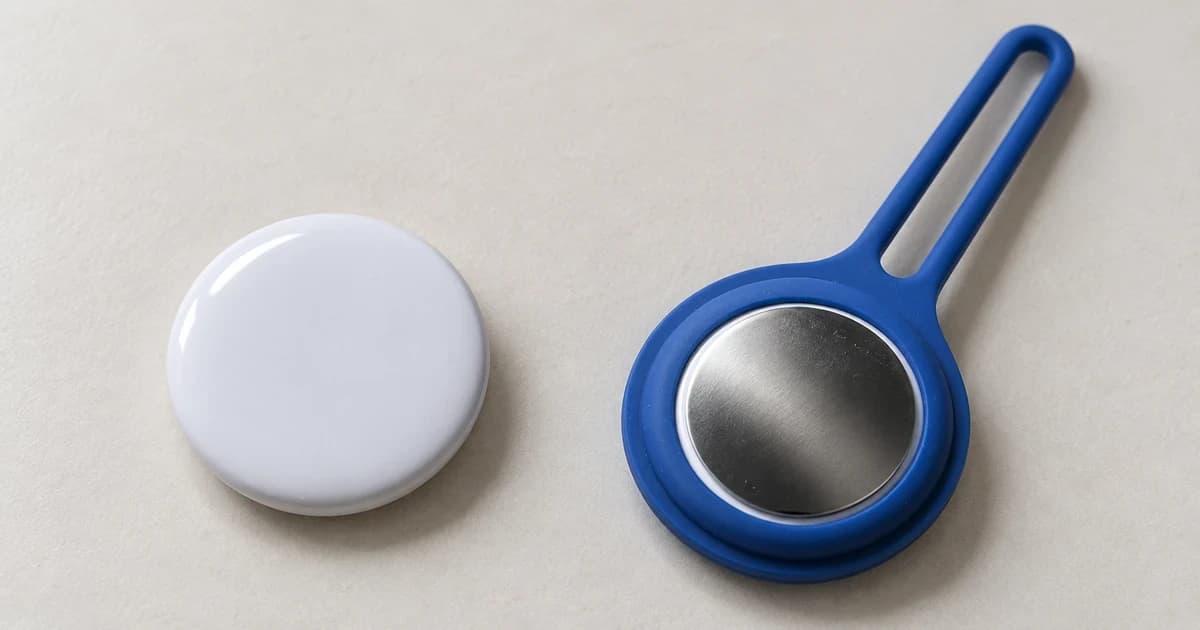
Apple designs and documents AirTag for personal items such as keys and bags rather than as a dedicated pet recovery system. Comparing microchip identification versus GPS tracking clarifies how permanent veterinary ID scanning, cellular GPS trackers and Bluetooth item finders serve different roles, while a physical tracker holder or mount only secures hardware to a strap without altering wireless range.