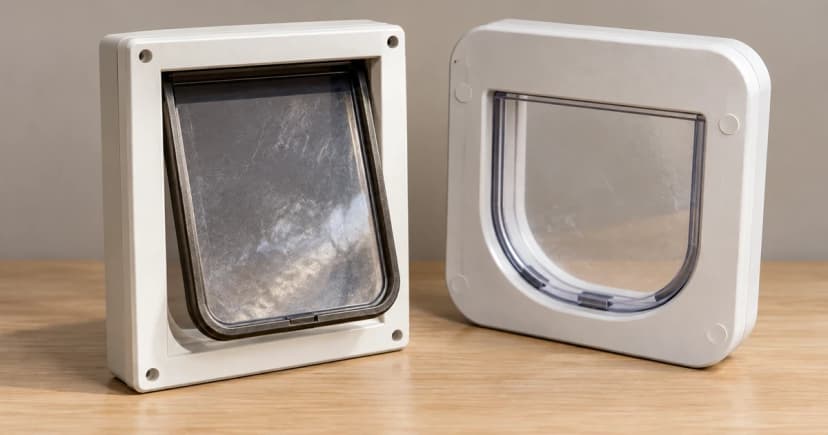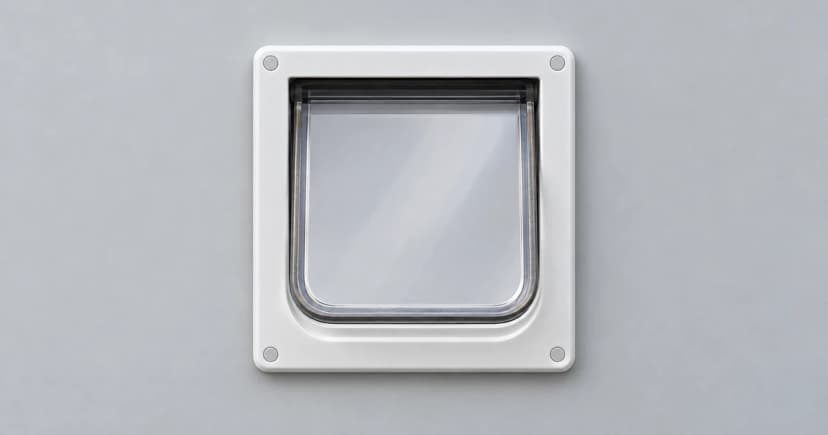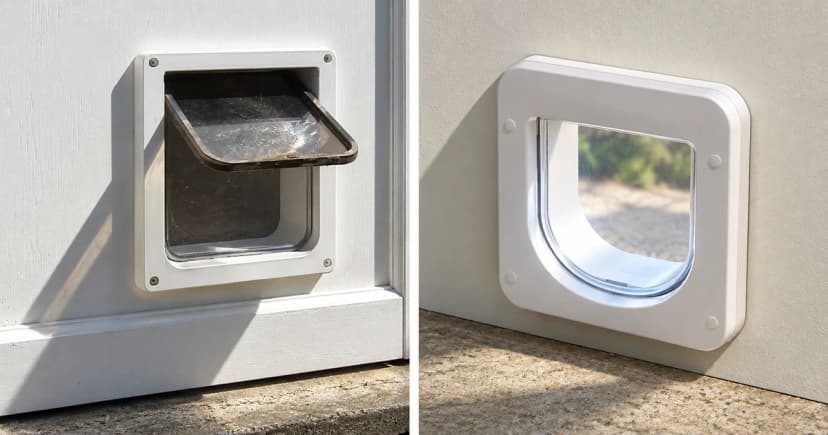

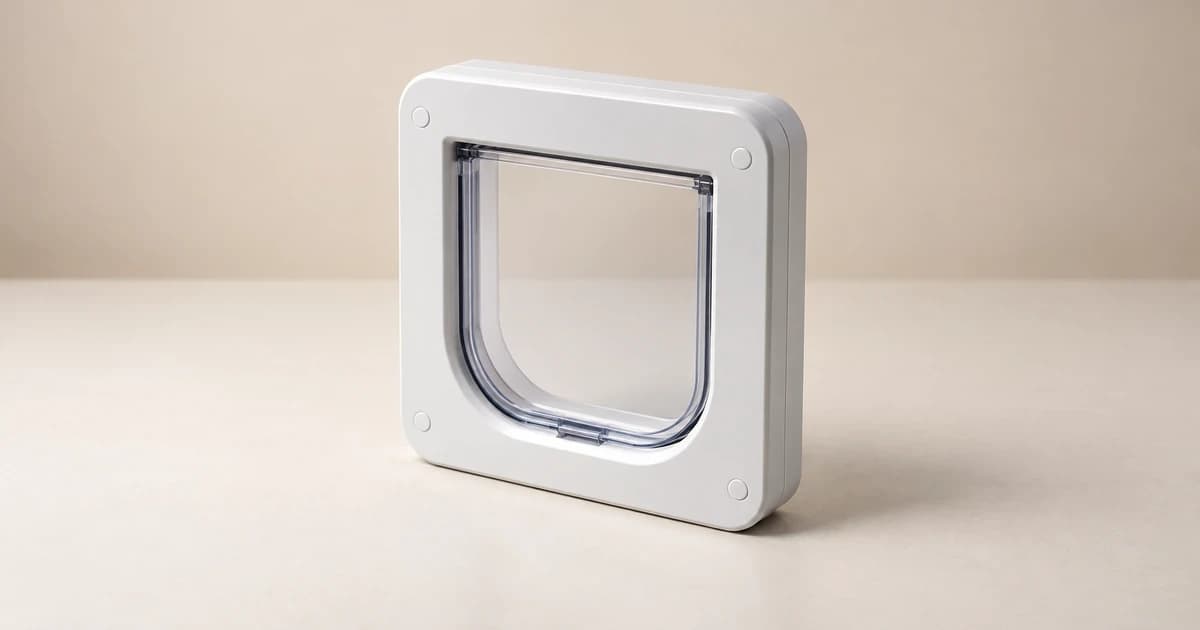
Understanding how to program and check a smart pet door's access modes requires separating three distinct controls on the frame: (1) stored microchip identity, (2) electronic sensor mode (selective Automatic Mode vs. non-selective Manual Mode), and (3) the manual 4-way directional lock. On standard single-side scanning models such as the PetSafe Microchip Cat Door and the older SureFlap Microchip Cat Flap, microchip cat door programming authorizes selective entry from the outside in—it does not create microchip-selective exit control from the inside out.
1. Step-by-step: programming a PetSafe Microchip Cat Door (vs. older SureFlap units)
Before pressing any buttons on a smart pet door, check the exact model number and serial range on your frame. Programming a door's memory is an equipment task separate from updating your contact details in a pet recovery database—see our guide on microchip identification versus GPS tracking for registry basics.
PetSafe's Microchip Cat Door programming guide (for standard 15-digit FDX-B microchips, storing up to 40 cats) specifies installing four fresh alkaline, non-rechargeable AA batteries and setting the manual rotary lock to In-Out before pairing one cat at a time:
- Isolate one cat for scanning: Keep other microchipped pets away from the tunnel so the sensor does not accidentally register a bystander cat.
- Hold the Mode button on the PetSafe frame: Press and hold the Mode button until the LED indicator turns solid red—entering PetSafe's 60-second learning window.
- Let your cat approach the tunnel voluntarily: Encourage your cat to put its head into the door tunnel with treats (never push or hold your cat's head into the flap).
- Confirm the unlatch and LED extinguishment: When the PetSafe sensor reads the 15-digit chip, the red LED turns off and the catch unlatches. Repeat for each additional cat.
Do not mix brand button sequences: By contrast, the SureFlap Microchip Cat Flap manual (for serial numbers 1–1999999) uses a short press of a dedicated memory button and a flashing indicator that stays active until the cat approaches or walks through. Never invent a long button hold or factory-reset shortcut across brands, as doing so can wipe stored IDs.
2. How chip identity, electronic mode, and the 4-way lock combine (PetSafe example)
On the PetSafe Microchip Cat Door, changing the electronic mode uses a quick press-and-release of the Mode button (5-second green LED = Automatic Mode; 5-second red LED = Manual Mode), while the manual 4-way lock sets physical flap swing direction. Use this combination table to see what each pairing actually allows:
| 1. Stored microchip status | 2. Electronic mode (PetSafe quick press) | 3. Manual 4-way directional lock | Actual passage result (Outside-In vs. Inside-Out) |
|---|---|---|---|
| Cat's 15-digit chip is stored in memory | Automatic Mode (5-sec green LED; exterior scanner active) | In and Out | Outside → In: Only programmed cats unlatch the exterior catch. Inside → Out: Any animal indoors can push out freely. |
| Cat's 15-digit chip is stored in memory | Automatic Mode (exterior scanner active) | In Only | Outside → In: Only programmed cats can enter. Inside → Out: Outward exit is physically blocked for all pets. |
| Cat's 15-digit chip is stored in memory | Automatic Mode (exterior scanner active) | Out Only | Outside → In: Manual lock blocks entry even for a programmed cat. Inside → Out: Any animal indoors can exit, then cannot re-enter. |
| Chip stored or not stored | Manual Mode (5-sec red LED; microchip scanner disabled) | In and Out / In Only / Out Only / Locked | Microchip filter is turned off; the cat door acts as an ordinary non-selective flap governed solely by the 4-way manual dial. |
Note: On the older SureFlap unit (serials 1–1999999), the flap leaf must hang straight down vertically before turning its 4-way rotary lock.
3. Verify operation before relying on the door
After configuring both controls, log the model name, stored cat IDs, active electronic mode, and manual lock position, then observe whether the catch clicks open when your cat approaches from the outside side. Once the hardware is verified, follow our separate guide on voluntary cat-flap learning so your cat grows comfortable pushing the flap leaf after hearing the latch click.