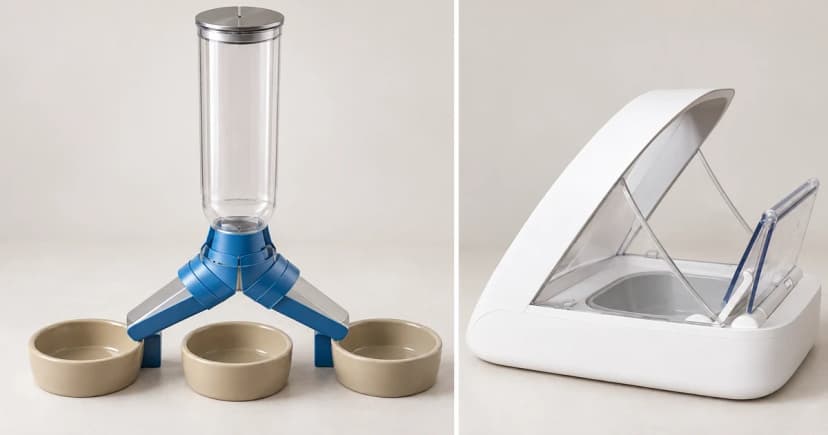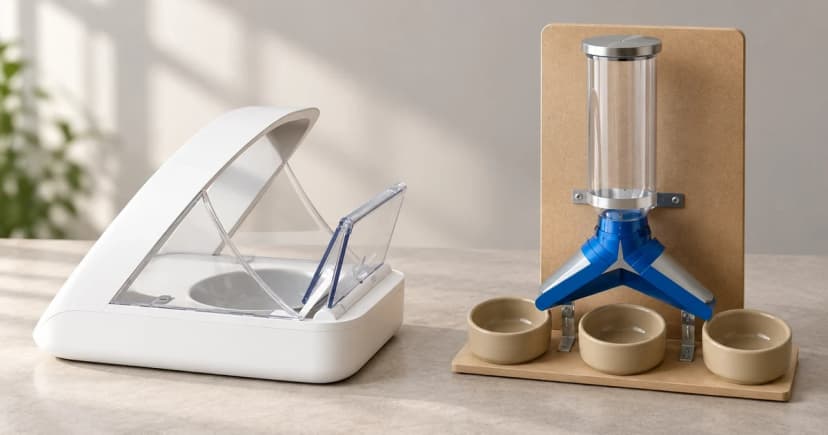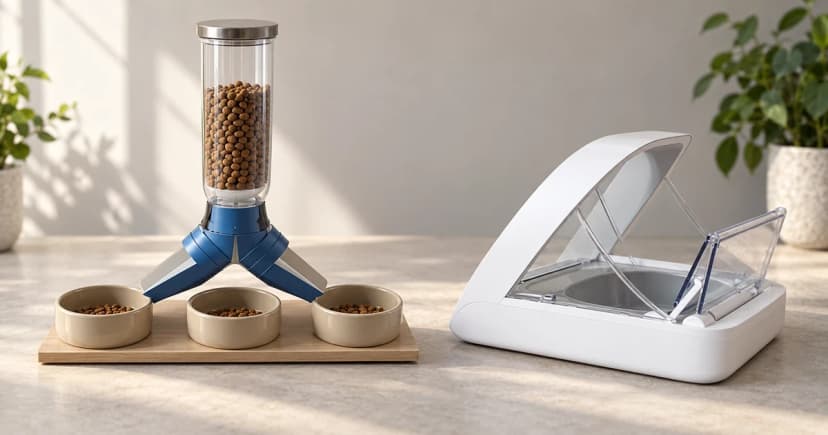

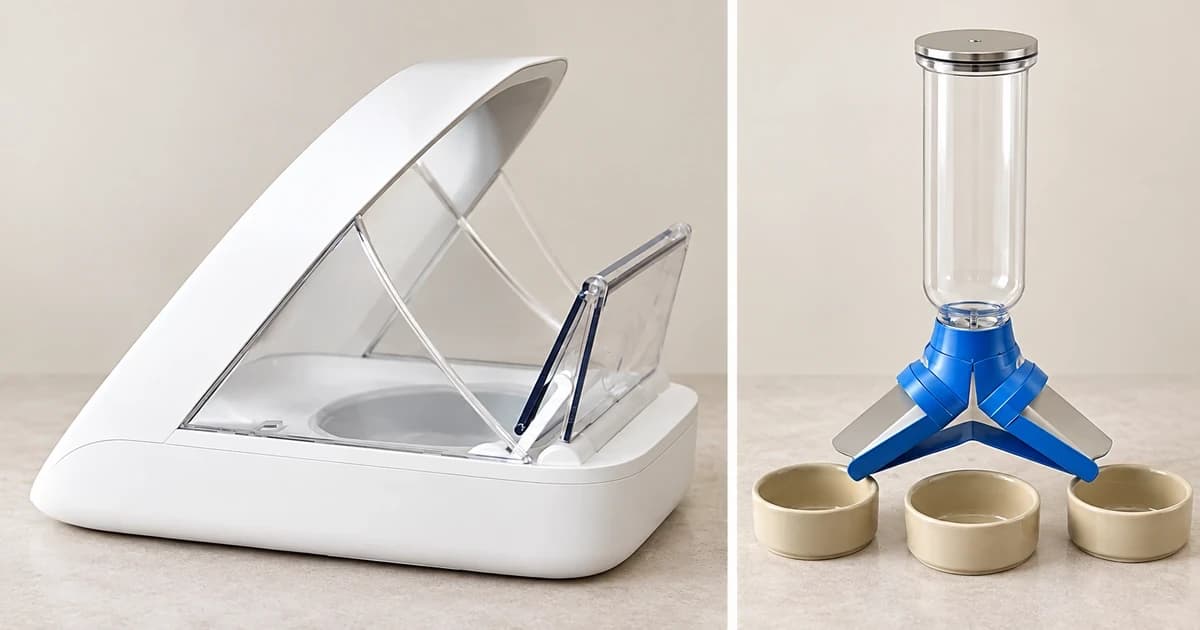
Troubleshooting an automatic pet feeder not dispensing food starts with separating what actually reached the bowl from what the app or motor reported. A feeding notification, motor hum, or scheduled log entry never proves kibble landed in the dish—and zero food output, repeated rotor reversal, and dispensing the wrong portion size follow different manufacturer procedures.
Never mix hopper fill levels, power-off access steps, or test-cycle counts across brands or models. Below is a symptom-and-model routing table covering three documented official support cases—PETLIBRO Granary 2 (Canada), PETLIBRO Granary 2 Vision (US), and PetSafe Smart Feed—followed by model-specific blocks and a finite diagnostic log.
Route your symptom and exact model before touching the rotor
| Observed symptom | Exact model & official source | Documented physical-access preparation | Stated kibble & hopper level check | Official test-cycle count & stop / escalation path |
|---|---|---|---|---|
| Fault started immediately after an outage or unplugging | Any automatic pet feeder (power-interruption check) | Check power source, backup battery state, and schedule memory before opening the food path | Do not empty or dismantle the chute until clock and power state are verified | Use the dedicated power-interruption check first rather than assuming a mechanical jam |
| Stuck food, rotor repeatedly reverses, jam alert, or no output | PETLIBRO Granary 2, Canada (PETLIBRO CA food-jam guide) | Explicitly unplug external power and switch off battery power before clearing food, powder, or objects from rotor and chute | Dry kibble 2–15 mm (avoid large square, crescent, or irregular shapes); fill tank to about half full; confirm stirring paddle is secured | Restore power and run 3 separate manual feedings; if still failing, stop and submit app feedback with device logs |
| Motor or paddle runs normally (including first use) but no kibble exits | PETLIBRO Granary 2 Vision, US (PETLIBRO US no-food guide) | Pause before reaching inside: this short page does not state power-off disassembly steps—never reach into a powered unit or borrow Granary 2's teardown rules | Dry kibble 2–15 mm; fill tank to about two-thirds full; check chute debris and verify silicone hat is installed properly | On a ready, properly assembled unit, run 1 priming feed + 2 manual feedings (let each cycle finish before starting the next); escalate via app feedback + logs |
| Food dispenses, but the portion amount is smaller or wrong | PetSafe Smart Feed (PetSafe Smart Feed amount guide) | Use the model's separate disassembly, cleaning, and reassembly manual if inspecting the conveyor for debris or misalignment | Check for low food in hopper; prime the conveyor after refilling using Feed Now in the app or on the feeder | No 3-cycle count applies to Smart Feed; prime via Feed Now after refill and follow the Smart Feed manual for conveyor alignment |
Follow the exact model's documented food-path steps
PETLIBRO Granary 2 (Canada): clearing a documented food jam
On the PETLIBRO Canada Granary 2 support index and its How to Clear a Food Jam page, troubleshooting stuck kibble, repeated rotor reversal, or a jam alert begins by unplugging the power adapter and switching off the bottom battery supply. Only with power disconnected do you clear visible kibble, food dust, or foreign objects from the rotor and food chute.
In this PETLIBRO Granary 2 (Canada) procedure, refill the tank to approximately half full using dry kibble sized 2–15 mm (excluding oversized square, crescent, or oddly shaped kibble) and verify the stirring paddle is firmly attached. After reconnecting power, run exactly three separate manual feedings and check the bowl after each cycle.
PETLIBRO Granary 2 Vision (US): running without kibble output
The PETLIBRO US Granary 2 Vision support index and its not-dispensing-food article address a unit whose motor or paddle runs—including on first setup—without delivering food. That page specifies dry 2–15 mm kibble, an approximately two-thirds-full tank, a clear chute, and proper installation of the rotor's silicone hat.
Because that brief Vision article does not list physical power-disconnection steps for reaching into the chute, pause and consult the complete Granary 2 Vision user manual before touching internal parts. Once the feeder is safely assembled and ready, the PETLIBRO Granary 2 Vision (US) page specifies one priming feed followed by two additional manual feedings, waiting for each cycle to finish completely before triggering the next.
PetSafe Smart Feed: wrong portion size vs. complete stoppage
PetSafe's Smart Feed Automatic Pet Feeder portion-troubleshooting page addresses a feeder that dispenses food in the wrong amount. It checks four items: low hopper level, priming the conveyor with Feed Now after a refill, kibble crumbs in the conveyor, and conveyor alignment. Never apply PETLIBRO's 2–15 mm sizing, half/two-thirds tank levels, or three-cycle test count to a PetSafe Smart Feed.
Record finite diagnostic cycles and actual bowl results
Keep diagnostic testing strictly limited to the cycle count in your manual rather than pressing manual feed repeatedly. Log what actually lands in the dish:
| Diagnostic log field | What to record during your check |
|---|---|
| 1. Exact feeder & firmware/app state | Brand, model name, region manual used, and any active app alert code: ____ |
| 2. Kibble shape, size & hopper level | Measured kibble diameter/shape and fill fraction (e.g., 1/2 for Granary 2 CA vs. 2/3 for Vision US): ____ |
| 3. Documented test cycle count | Cycle 1 result in bowl: ____ | Cycle 2 result in bowl: ____ | Cycle 3 result in bowl: ____ |
| 4. App event vs. physical bowl check | Did the app log a feeding while the physical bowl stayed empty or under-filled? ____ |
For routine washable parts maintenance, follow our hopper and chute cleaning guide, and compare supported kibble specifications before choosing units in automatic pet feeders.