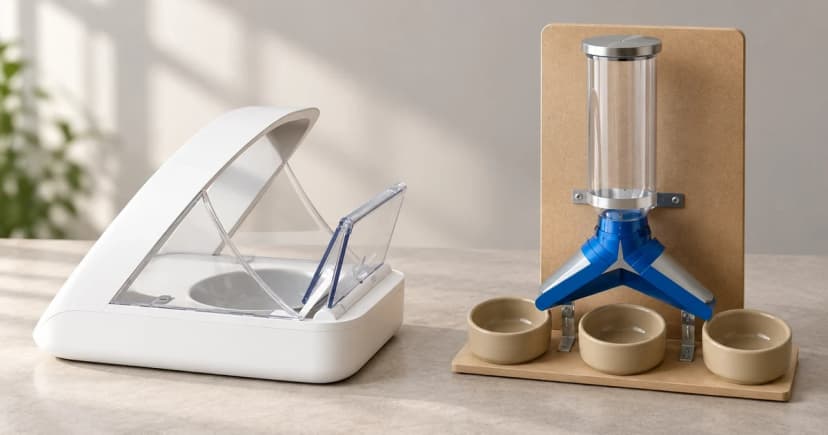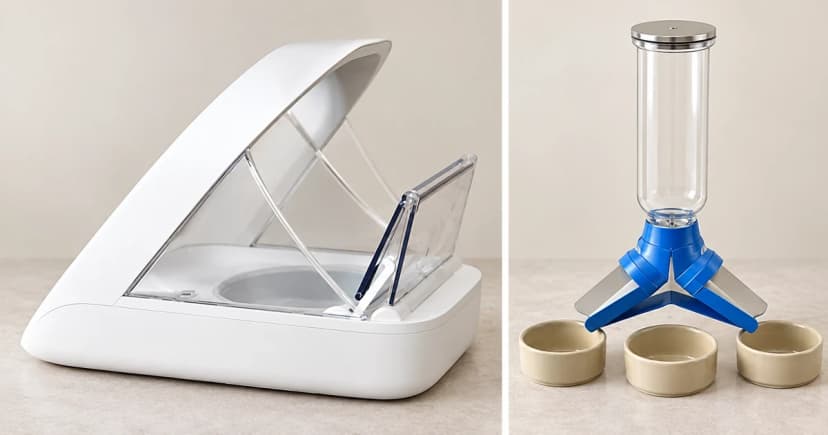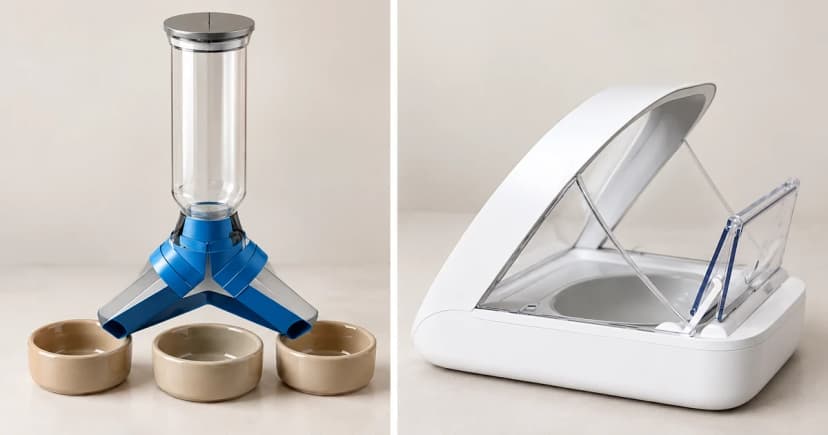

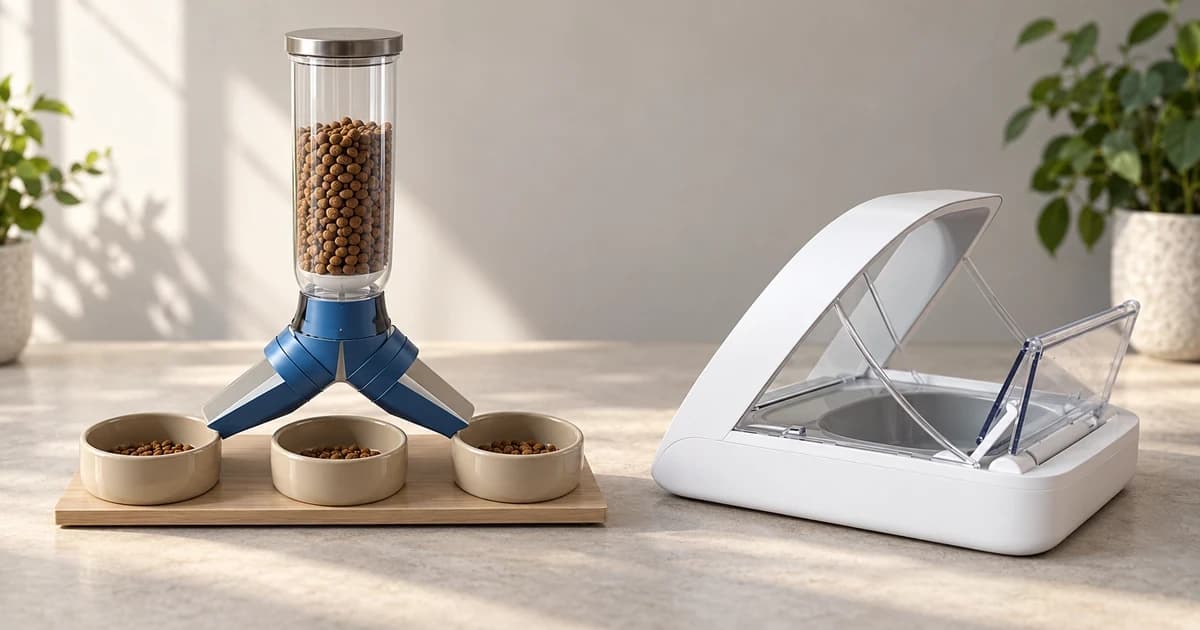
To understand how to program an automatic pet feeder accurately, separate three things before pressing buttons on the control panel: your pet's daily nutritional plan (meal times and target amounts), the specific machine's portion units (such as 1/8-cup increments versus numbered 1–15 settings), and physical verification that kibble actually drops into the bowl after priming. Saving a schedule on an LCD screen never guarantees that the chute is primed or that two different feeders measure portions the same way.
Quick Selector: PetSafe Simply Feed vs. PetSafe FlexFeed Programming & Units
Even within one brand, different feeder models use different button combinations, portion units, and first-use priming steps. Compare the two documented PetSafe models below before entering your schedule:
| Programming Dimension | PetSafe Healthy Pet Simply Feed (12-Meal) | PetSafe FlexFeed Automatic Pet Feeder (Priming Guide) |
|---|---|---|
| Daily meal limit & time steps | Up to 12 daily meals; meal times set in 15-minute increments | Up to 8 daily repeating meals; hour (check AM/PM) and minute entries per meal |
| Menu entry & button sequence | Scroll down twice to custom usr menu → press Right to set Meal 1 Hour → Right to Minutes → Right to Meal Size → Right back to Meal # (Up for Meal 2) |
Hold Lock 3 sec until beep/unlock icon → press SET → while M: flashes, select daily meal count + SET → set Hour (AM/PM) + SET → Minutes + SET → select P: portion + SET |
| Device portion units & scope | Displayed directly in cup fractions: 1/8 cup to 4 cups in 1/8-cup increments | Numbered settings P: 1 to P: 15; PetSafe's table lists approximate cup volumes (e.g., P2 ≈ 1/8 cup, P8 ≈ 1/2 cup, P15 ≈ 1 cup—never assume a linear gram weight) |
| Save/exit & first-use priming step | Return to the meal-number field and hold the center button for 5 seconds to save; operating screen shows next meal time and size | Returns to main screen after last meal entry; requires manual priming before first scheduled meal and after refills (unlock panel and press FEED repeatedly until equal portions drop each time) |
If your feeder is an access-control lid that opens for a microchip rather than a portion dispenser, see how automatic feeders handle timing, portions and access.
Route A: Programming the PetSafe Healthy Pet Simply Feed (Custom `usr` Menu)
While the Healthy Pet Simply Feed manual includes factory dog and cat presets, use the custom usr menu whenever you want to set your own meal times (in 15-minute steps) and portion sizes (1/8 to 4 cups):
- From the schedule selection screen, press the Down arrow twice to highlight
usr, then press the Right arrow to enter the meal setup menu. - For Meal 1, press Right to highlight the hour and use Up/Down to set it; press Right to highlight minutes and set the 15-minute increment; then press Right to highlight meal size and choose the cup fraction (in 1/8-cup steps).
- Press Right to return the cursor to the meal number, press Up to advance to Meal 2, and repeat for all planned daily meals (up to 12).
- With the cursor back on the meal-number field, press and hold the center Enter button for 5 seconds to save and exit to operating mode, where the screen displays the next scheduled meal's time and size. (To edit an existing schedule later, hold the center button for 5 seconds to re-enter setup.)
Route B: Programming and Priming the PetSafe FlexFeed (`M:` and `P:` Controls)
The PetSafe FlexFeed programming guide uses a completely different interface based on total daily meals (M:) and numbered portion settings (P: 1–15):
- Press and hold the Lock button for 3 seconds until the unit beeps and the unlock icon appears.
- Press and release SET. While
M:flashes, use Up/Down to select the number of meals per day (1 to 8) and press SET to confirm. - For Meal 1, use Up/Down to select the hour (verifying the AM/PM indicator) and press SET; select the minutes and press SET.
- While
P:flashes, select a portion number from 1 to 15 and press SET (consulting PetSafe's approximate volume chart—such as Setting 2 ≈ 1/8 cup, Setting 8 ≈ 1/2 cup, Setting 15 ≈ 1 cup—rather than guessing gram weights). Repeat for each remaining meal until the screen returns to normal operating view.
Crucial FlexFeed Priming Step: Before the first scheduled meal—and every time you refill an empty hopper—follow PetSafe's FlexFeed priming instructions: unlock the panel, press FEED to dispense one portion (initially, zero or only a few kibble pieces may fall while the internal conveyor fills), and repeat pressing FEED until an equal, consistent portion of kibble drops into the bowl each time.
Log Your Plan, Machine Settings, and Observed Output Separately
Keep a three-column check beside your feeder—1. Target nutritional plan (vet/diet meal times and cup/gram targets), 2. Saved device settings (`usr` cup fractions or `M:/P:` numbers plus AM/PM check), and 3. Observed bowl output (priming completed and first scheduled meal verified in the bowl). For power-outage recovery or chute jams, see our power-interruption checks and model-specific dispensing troubleshooting guide, or compare models in our automatic feeder category.