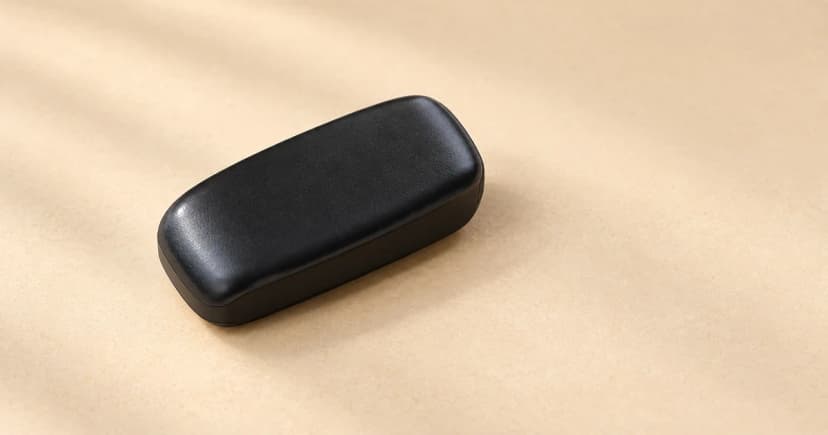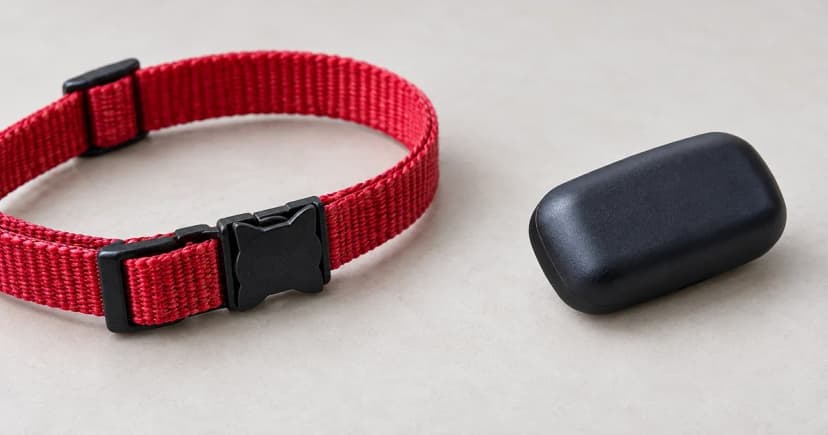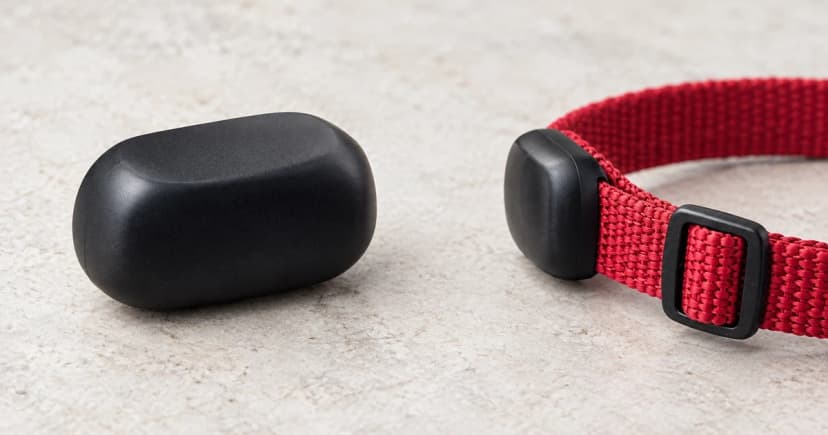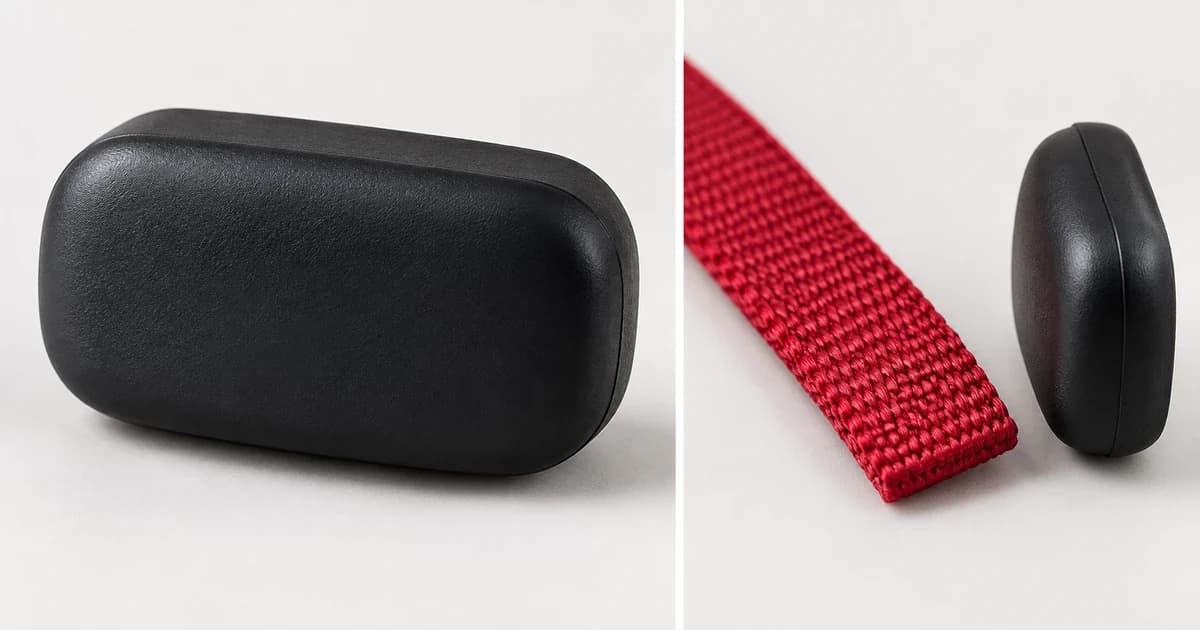
To attach a pet GPS tracker to a collar, first match the exact tracker, holder and collar to the maker's instructions. A case that looks similar is not enough: different generations can use different clips, width limits or an integrated collar. Check the documented arrangement before putting the equipment into use.
This guide helps you decide whether you have the right attachment and what remains unresolved. It does not demonstrate that an unknown holder fits, measure its strength or verify the tracker is reporting a location.
Identify the complete attachment, not just the tracker
Set the equipment out away from the animal while you identify it. Record the tracker model from its label or account information, then identify the holder, sleeve or clip separately. A replacement accessory listing should name the device it supports; a general photograph or the word "universal" does not resolve a missing model match.
Keep the intended wearing arrangement clear too. A separate collar-mounted case, a purpose-made integrated collar and a harness accessory are different starting points. Follow the collar's own instructions for neck fit and any release mechanism. Do not alter those features to accommodate the tracker.
You can browse cellular GPS pet trackers as a category, but a category label does not establish which mount or collar your particular unit accepts.
Compare the instructions for your exact model
The following examples show why one attachment tutorial cannot cover every tracker. They summarize three official documents from two publishers, rather than independent retention tests.
Current Tractive attachment examples
Tractive's attachment guide specifies a rubber mount for DOG 6 and DOG 6 XL on collars up to 3 cm wide. The guide places the clips in the tracker's hooks or ears and says the fitted device should lie flat against the collar without sliding. Use its model-specific diagrams; do not import an older model's width threshold into the diagram's A/B choices.
DOG XL and DOG XL Adventure have a separate mount description for collars up to 4 cm wide. The gentle-pull check there belongs to that arrangement, not an improvised strength test for another holder.
CAT 6 Mini has an integrated collar. CAT Mini instead has mount or rubber-sleeve options; the guide explicitly excludes putting the sleeve over the tracker plus mount. These are separate configurations, not interchangeable ways to add layers around any device.
Older Tractive DOG 4/LTE clips
The DOG 4/LTE getting-started guide gives regular clips a 2.8 cm collar-width limit and XL clips a 3.4 cm limit. It says to remove the collar from the pet before attachment.
For collars up to 1.5 cm, it describes threading through two rectangular holes before refastening. Its 1.6–3.4 cm section describes opening one side and putting the strap between tracker and clip. That broader section does not increase the regular clip's 2.8 cm maximum: identify the clip as well as the collar width. Do not apply these older routes to DOG 6 hardware.
Weenect XT: collar and harness routes differ
Weenect's XT attachment page concerns the standalone version without an integrated JK9 collar. It describes a silicone case for collar attachment, and additional Velcro used with that case for a dog harness.
The skyward orientation and securing both Velcro sides appear in the harness instructions. They are not a universal orientation rule for collar-mounted trackers. The page does not give an exact collar-width, thickness or load limit. Video-only steps are not reproduced here.
Check seating without inventing a pull test
Once the model and accessory match is established, use that maker's fastening and seating instructions. Compare what is actually engaged with the documented arrangement, rather than judging from the outward position of the case alone. If a required fastener is missing, a part is visibly damaged or the arrangement cannot be identified, pause and resolve that specific issue.
Do not create a workaround with tape, glue, stitching, magnets or a substitute clip. Repeatedly pulling harder does not turn an uncertain attachment into a verified one. A normal-looking exterior also leaves the hidden attachment unresolved.
Send support a question they can answer
Record the tracker model, accessory identity, collar width and the exact step that does not match. Include thickness or collar construction if relevant, while keeping an unstated limit marked unknown. Ask: "Does this accessory support this model and collar, and which documented fastening route should I use?" Photographs of the separate parts can explain the question without claiming a successful fit.
Attachment, charging and location reporting need separate checks. Our guide to how pet GPS trackers work follows the location-to-phone chain. Neither an illuminated device nor a map position certifies its collar attachment. The editorial policy explains our distinction between source-based guidance and product testing.