To clean a microchip cat flap, identify the exact unit and use its care instructions to locate the accessible tunnel, detection area and places where hair collects. Cleaning the visible frame alone may leave another documented area unchecked. Keep the cleaning task separate from changing batteries, learning identities or altering access settings.
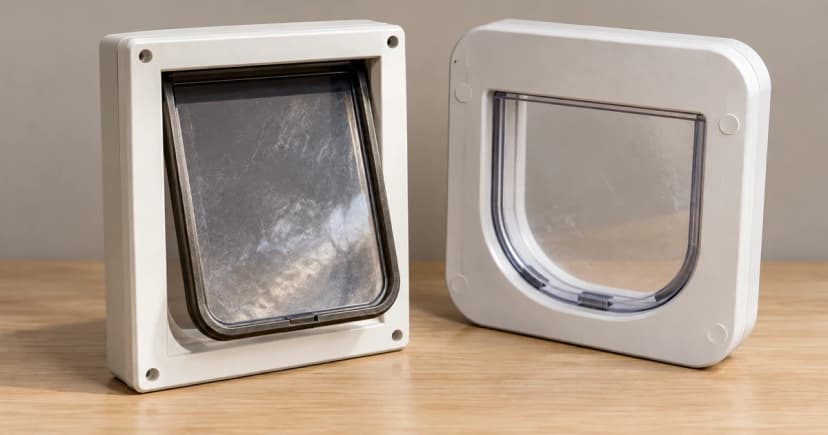
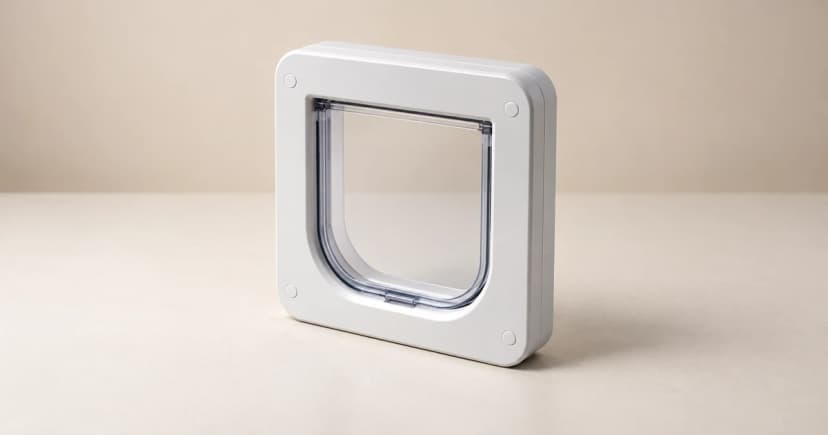
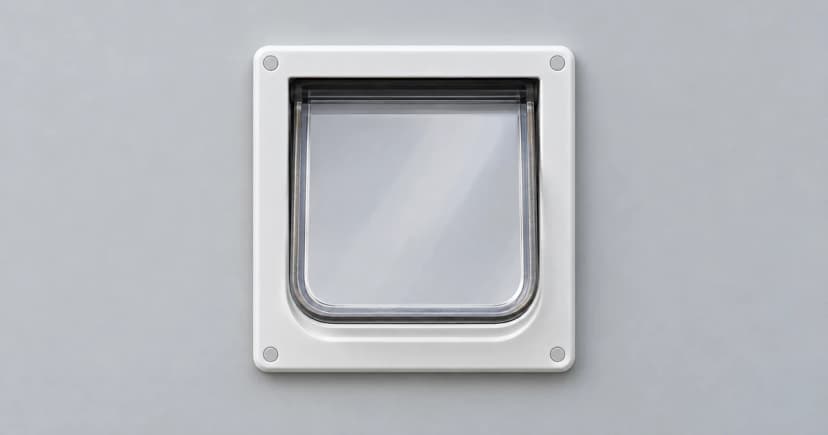
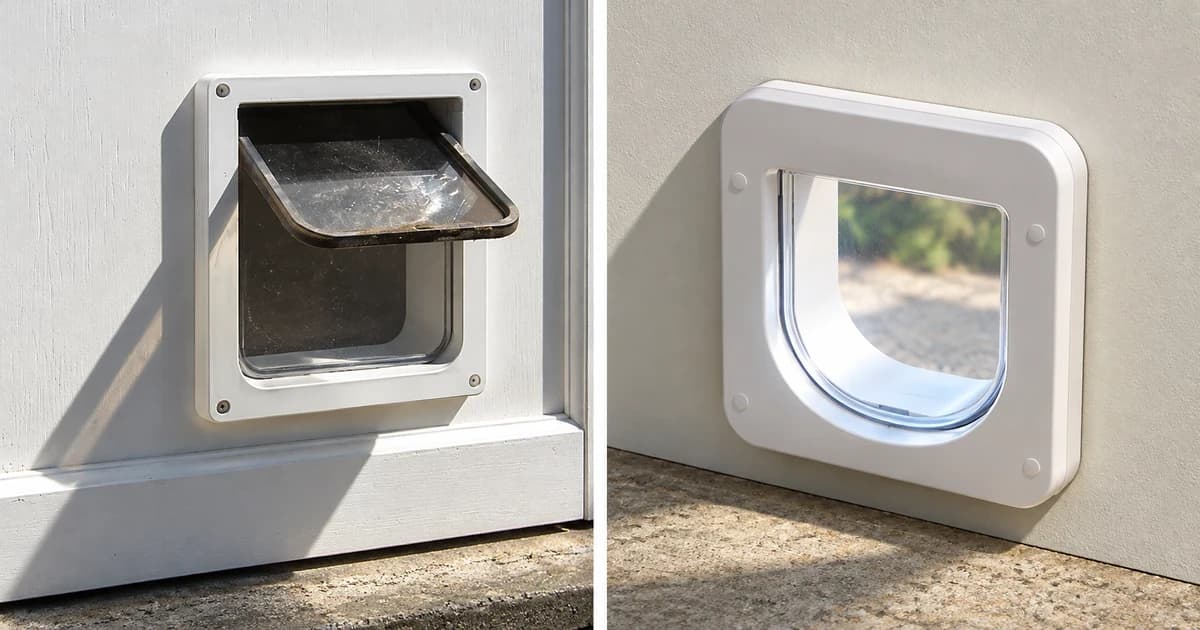
The PetSafe Microchip Cat Door and an older SureFlap model below provide specific examples. Their latch arrangements, sensor locations and care intervals are not instructions for every electronic flap. Begin with the model and, where relevant, the serial range rather than the shape of the frame.
Locate the care areas before reaching into the passage
Have the matching manual available and keep your cat away from the work area. Find the manufacturer's identification of the tunnel, sensor area, latch and any draught-excluding strip around the leaf. An area hidden behind a cat in a photograph is not evidence of what lies beneath it.
Check what the instructions permit you to reach and clean without dismantling the assembly. Do not turn a battery-removal sequence or a control-button procedure from another model into routine preparation.
Note the areas you can actually inspect. A clear outside face and an unexamined tunnel are two different observations. A useful care record should leave the second one unresolved rather than describing the whole door as clean.
PetSafe: check the tunnel sensor and the named latches
PetSafe's Microchip Cat Door care page calls for a monthly examination of that product and occasional wiping with a damp cloth to remove dirt and debris. It also identifies cat hair or debris in its dual-auto latches as something to check. For the motion sensor inside the tunnel, it describes wiping away dirt with a damp cloth as needed.
Keep those named areas in the note for that unit: visible dirt, the tunnel sensor area and the dual-auto latches. Do not add a brush, spray, lubricant or chemical treatment because another cat-door page recommends one. Directions for a different mechanism do not complete a gap in this model's instructions.
PetSafe also discusses the same dirty sensor area in its will-not-unlock support page. That page includes other operating considerations alongside cleaning. The repeated cleaning advice is not an independent finding that every failure to unlock is caused by dirt, or that wiping proves the fault has been resolved.
Older SureFlap: keep the lens, floor and top strip distinct
Section 13 of the older SureFlap Microchip Cat Flap manual for serial numbers 1–1999999 places its optical detection lenses on the inside roof of the tunnel, near the flap. It specifies a damp-cloth wipe every couple of months. It also says the tunnel floor should remain reasonably clean because the sensor relies on a reflection from that base.
For the brown version described in this manual, the silver reflective sticker has its own dirt check. A missing sticker requires the manufacturer's matching guidance; it is not permission to add improvised reflective material. The manual also calls for removing hair from the top draught excluder, where accumulation can obstruct the lenses.
After cleaning this older unit, the manual says to leave approximately ten seconds for it to settle before normal operation returns. These locations, checks and timing belong to that manual, not to every SureFlap, Connect or DualScan product.
The settling instruction is a pause in that named procedure, not a ten-second performance test. It does not establish a successful identity read, a complete crossing or restored battery life. Use the matching instructions to resolve a remaining operating question.
Follow the documented surface, not an imagined internal repair
Use the care section to keep an accessible wiping task within its scope. A lens near the passage, a hair-catching edge and an internal reader assembly are not interchangeable parts. Removing a fixed cover or altering a tunnel to reach something you cannot identify creates a different task from the cleaning described here.
Leave an uncertain component or physical defect for the maker to assess. Describe where you saw it and which part of the manual you were following. Do not cover an uncertain area with tape, foil or paint, or infer a repair from the appearance of another frame.
Neither of the cleaning examples supplies a general immersion, chemical-disinfection or electronics-cleaning recipe. A photograph of a cable or wall outlet likewise does not tell you how to prepare a different powered model for care.
Keep an area-by-area record
This short format helps separate work completed from questions still open. It is an organizational aid, not a diagnostic or security test.
| Entry | What to record |
|---|---|
| Exact unit | Product, serial range if applicable, and the matching care section. |
| Accessible care area | The manufacturer's area name and what you actually saw there. |
| Work completed | The permitted action taken, without marking an uninspected area complete. |
| Unresolved condition | Remaining dirt, an uncertain component or physical damage to discuss with support. |
| Operation afterward | Any observation made under the matching instructions, kept separate from cleaning. |
If a door still behaves unexpectedly, send the model, care section, affected area and actual observation to its manufacturer. That gives support a specific starting point without labeling every unusual light or latch response as a cleaning failure.
Return the right question to the right guide
An identity or access-setting question belongs with the programming and mode guide; an actual low-battery warning has a separate battery-replacement task. Do not use a reset or memory wipe as the finishing step of an ordinary clean.
When comparing smart pet doors, check which complete care instructions are available for the exact unit. Pawlivy's editorial policy explains that distinction.