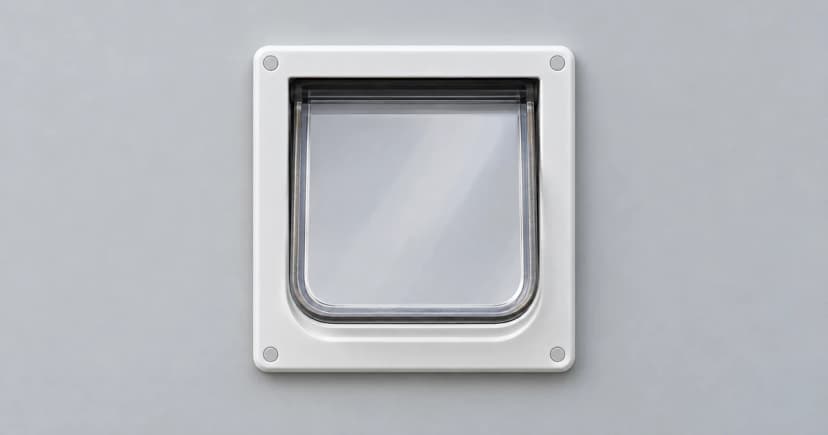
To program a microchip cat door, identify the exact model and follow its identity-learning instructions. Then check two separate settings: who the electronic entry system recognizes, and which direction the manual lock allows. A stored microchip number does not automatically mean selective access in both directions.
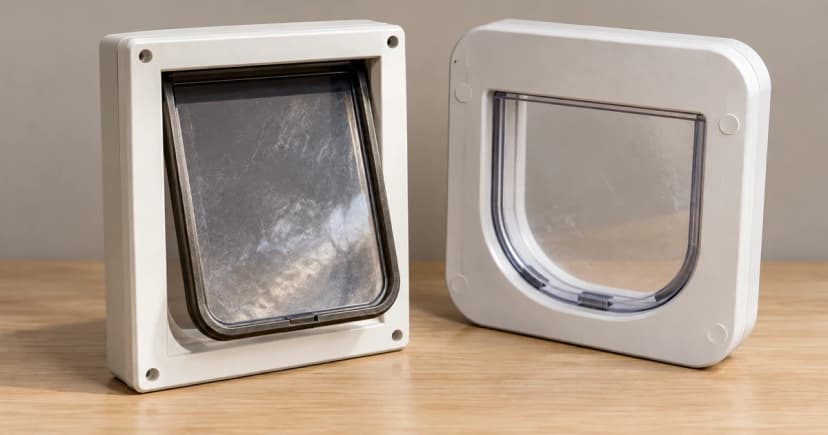
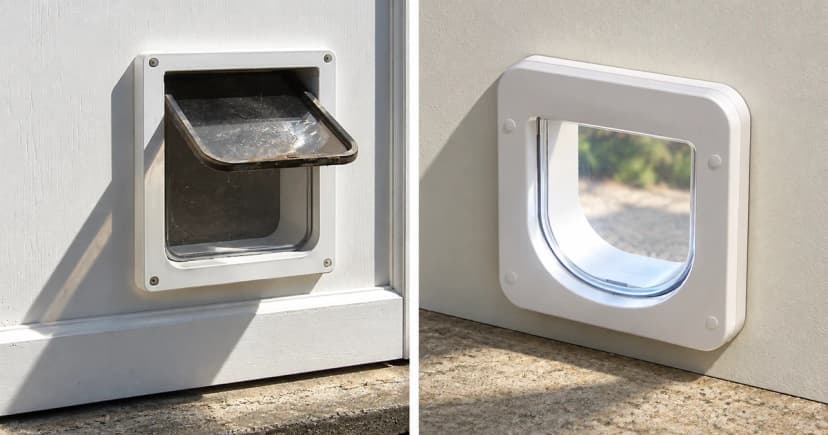
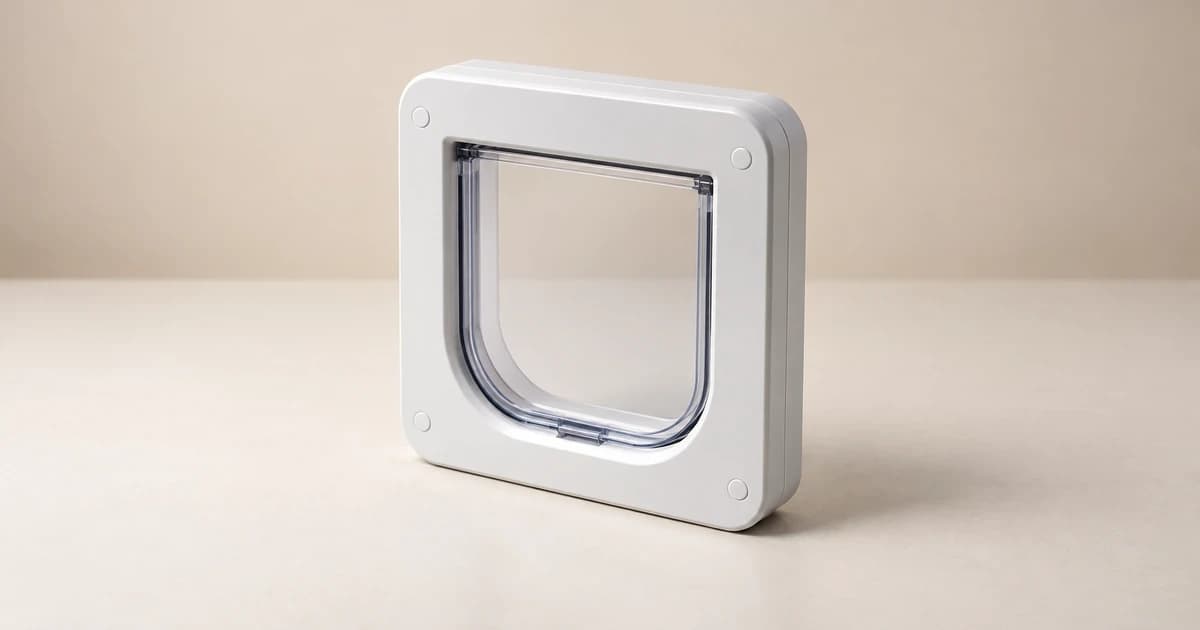
Keep a short record of the settings and the behavior you actually observe. The PetSafe Microchip Cat Door and the older SureFlap Microchip Cat Flap below illustrate these distinctions; their buttons, indicators and learning procedures are not interchangeable.
Start with the model and a compatible identity
Find the product name, model or serial number and matching instructions before pressing controls. A pale frame, a “smart” category name or a photograph cannot establish which program button or locking mechanism you have.
PetSafe's named Microchip Cat Door programming guide specifies compatible 15-digit microchip identities. Confirm compatibility using that guide and the manufacturer rather than assuming that every implanted chip or collar key works with every door.
A door learning an ID is also different from updating an owner's contact details in a microchip registry. For that distinction, see microchip identification versus GPS tracking. This guide does not cover implantation or changing a chip's position.
Keep the learning process specific to the door
For the named PetSafe Microchip Cat Door, the programming instructions specify four alkaline, non-rechargeable AA batteries and the manual lock's In-Out position. Check the complete matching instructions before starting, including their battery preparation.
- Prepare for one cat's identity. Keep other microchipped cats away from the learning opportunity so that an unintended cat is not registered.
- Use the named learning control. PetSafe describes holding the mode button until its LED turns red. This is the learning indication for that model, not a general meaning of red on other equipment.
- Allow the documented scan opportunity. Its guide gives a 60-second learning window and describes the cat's head entering the tunnel for scanning. Let the cat approach voluntarily; do not insert its head, hold it against the flap or force a crossing to complete the window.
- Record the actual indication. PetSafe describes the red light turning off and the door unlatching after recognition.
The guide says to repeat the process for each cat and specifies storage for up to 40 microchipped cats. Those timing, indication and capacity details belong to this PetSafe model. Registration is an equipment event; it does not prove that the cat will willingly pass through the fitted flap.
The older SureFlap Microchip Cat Flap manual for serial numbers 1–1999999 uses a different process. Its learn section describes a brief memory-button press, a flashing indicator and detection of the next cat that chooses to approach through the tunnel or pass through. Do not transfer PetSafe's learning window or mode-button behavior to that unit.
Check electronic entry before interpreting the direction lock
For the named PetSafe door, the electronic-mode instructions distinguish Automatic Mode from Manual Mode. Automatic Mode uses the sensor and learned identities for selective entry from the exterior side. Manual Mode does not use those programmed IDs to authorize passage.
The same source says the door scans animals coming inside; an unpaired or unmicrochipped animal can still exit unless the manual direction setting restricts exit. The older SureFlap manual likewise describes identity-selective entry while allowing animals already inside to leave, subject to its manual lock. Neither example establishes identity-selective exit.
PetSafe changes electronic mode with a quick press and release. Its source describes a green indication for Automatic Mode and a red indication for Manual Mode, each lasting five seconds. That red mode indication has a different context from holding the button to learn an identity. Do not identify a setting by color alone or use these controls on an unknown door.
Read the manual direction setting together with the electronic mode
PetSafe's four-way lock guide describes In and Out, In Only, Out Only and Locked. It says the manual lock can be used with either electronic mode, and advises using In and Out until the cat is comfortable with the door. Find the actual control positions in that model's illustrations.
In Only describes an allowed direction. It does not mean that every animal is authorized to enter when Automatic Mode's identity filter is still active. Conversely, learning an identity does not override a manual setting that prevents the intended direction.
For the older SureFlap unit, the manual's four-way-lock section says the leaf must hang straight down when its control is moved. Its numbered positions and diagrams belong to that unit. Do not force a leaf or transplant the knob orientation from PetSafe or from a reference photograph.
Use a setting-and-observation record
These three entries answer different questions. Fill them using the complete manual and observations for your own unit, leaving anything uncertain unresolved.
| Entry | What to record | What it cannot establish alone |
|---|---|---|
| Learned identity | Which cat's compatible identity was intended, and the actual learning indication observed. | Successful voluntary passage or permission to travel in both directions. |
| Electronic mode | The exact model's selected mode and its documented entry-authorization behavior. | A separate manual lock's allowed direction or identity-selective exit. |
| Manual direction | The exact control setting and intended incoming or outgoing route. | That an otherwise unrecognized identity can enter in selective mode. |
Add the date, the starting settings and what happened afterward. A light change, a catch releasing and a cat fully crossing are separate observations. Do not turn a missing observation into a successful scan or a security test.
Avoid a memory wipe, factory reset or an unfamiliar long button hold as a general troubleshooting shortcut; it may change stored identities or settings.
Keep voluntary cat-flap learning separate from programming. Neither the category nor the illustration proves compatibility, confinement or security.