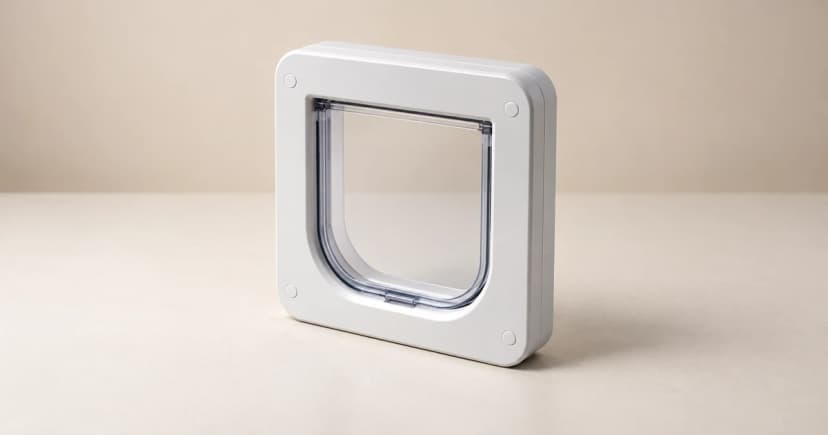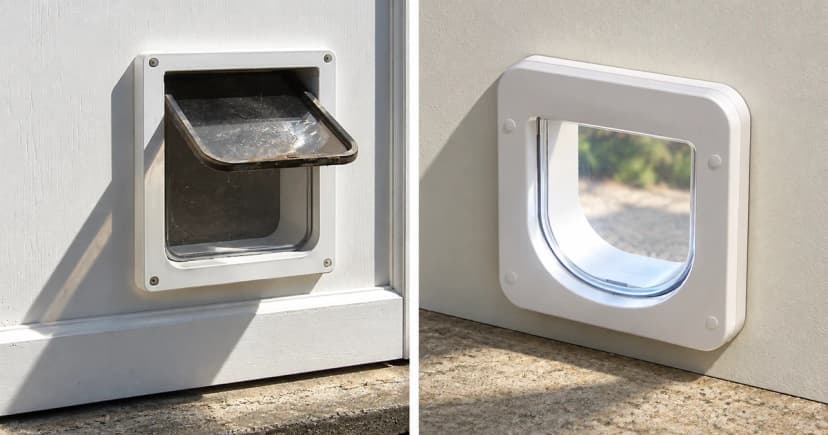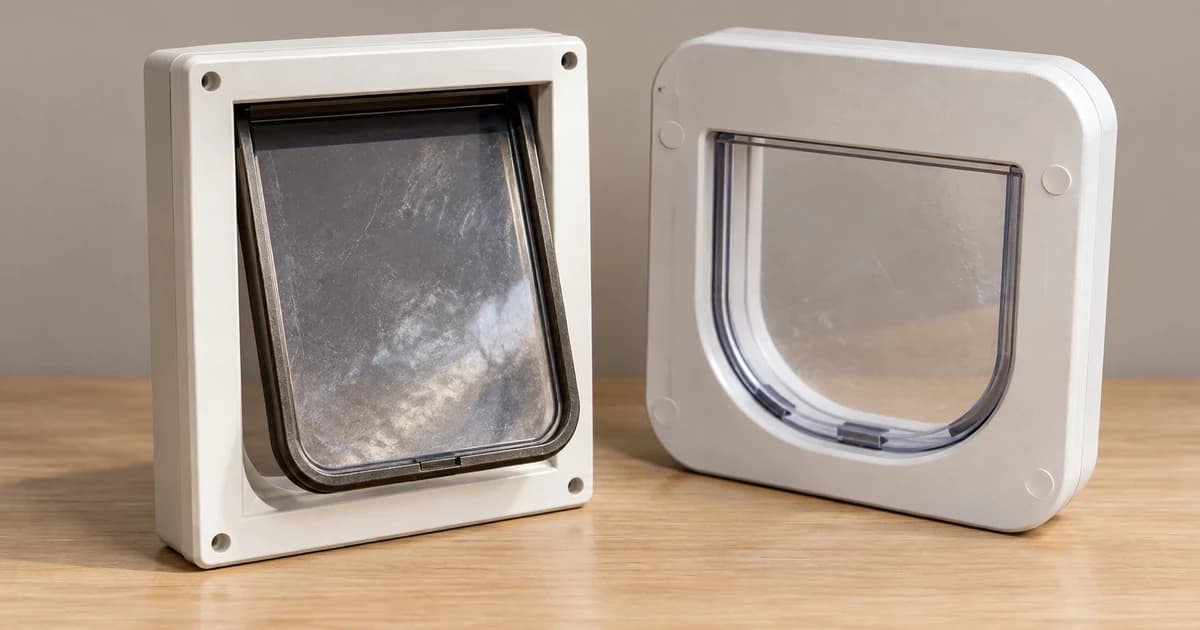
Identify the exact microchip cat door before interpreting a low-battery light or removing its cells. A red flash can mean different things depending on the model and the pattern. Use the matching manufacturer's instructions for both the warning and the ordinary replacement procedure; a similar-looking frame is not enough to identify either.
Read the pattern before choosing a procedure
Write down the product name and model, the light's colour, and whether it flashes at a regular interval or rapidly. A brief observation is more useful to support than "the door is flashing red." Keep a light you observed separate from a function you have not checked.
For the named PetSafe Microchip Cat Door, its support page distinguishes one red flash every ten seconds, indicating low batteries, from a continuous quick red flash, indicating an error. Those are different cases on that product.
Sure Petcare's written support caption for the SureFlap Microchip Cat Door gives a different low-battery indication: a red flash every five seconds. That caption identifies the warning; it does not provide a battery replacement sequence. Find the instructions for your exact SureFlap model before changing its cells.
The comparison explains why "red means replace the batteries" is incomplete. Neither interval is a rule for every electronic cat door, and an indication seen during programming needs its own documented context. You do not need to press an unfamiliar button to make an uncertain light fit one of these examples.
Ordinary replacement on the named PetSafe Microchip Cat Door
PetSafe's ordinary replacement instructions specify four new alkaline, non-rechargeable AA batteries for this model. With the matching door and instructions identified:
- Remove the battery compartment cover at the top of the interior frame, then remove the old batteries.
- Leave the batteries out for five minutes.
- Insert four new AA batteries in the orientation marked in that compartment.
- The source describes three quick green LED flashes and readiness for programming after insertion. Replace the battery compartment cover.
These details belong to this PetSafe model. The page's readiness-for-programming wording does not establish whether previously stored identities were retained or erased.
Use the actual compartment markings for polarity rather than copying a photograph of another door. If you cannot identify the compartment or the required batteries, resolve that with the matching instructions or manufacturer. Do not borrow the cell type, waiting time, or startup indication from a different model.
Keep a battery change separate from reprogramming
After the change, record the cells fitted and the indication you actually saw. An absent observation remains unknown; it is not evidence that the change completed successfully.
A fresh set of cells does not by itself establish stored identities, a selected access mode, or successful passage. Avoid a guessed long button hold or memory wipe to resolve uncertainty. Our separate microchip-door programming and access-mode guide explains the identity and mode task; it is not an automatic next step after every battery change.
Keep animals out of an improvised test: do not push a cat's head into a tunnel to obtain a light or latch response. If the remaining issue concerns registration or operation, use the exact product's support and voluntary interaction rather than extending this battery task into installation, calibration, or a forced trial.
Use the model record again at the next warning
Keep the matching support link, model identifier, replacement date, battery specification, and observed light pattern together. The date records what you did; it does not create a universal replacement interval or a battery-life guarantee.
When browsing smart pet doors, compare the documented power and warning information for each exact model. A category name does not identify a battery compartment, prove compatibility, or show that a door is operating correctly.