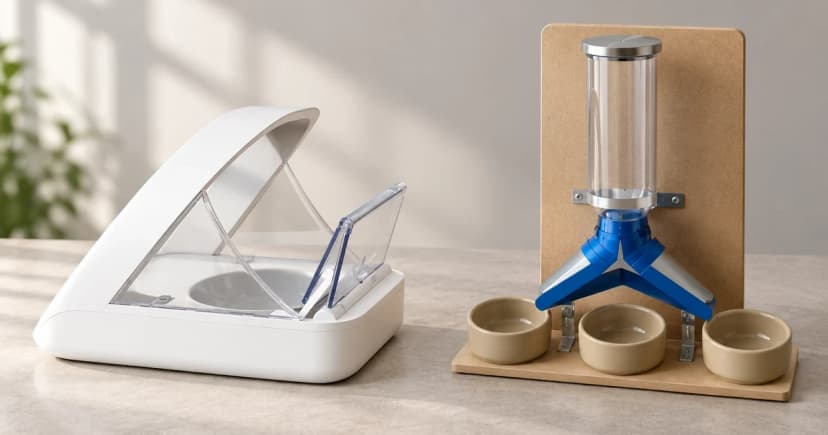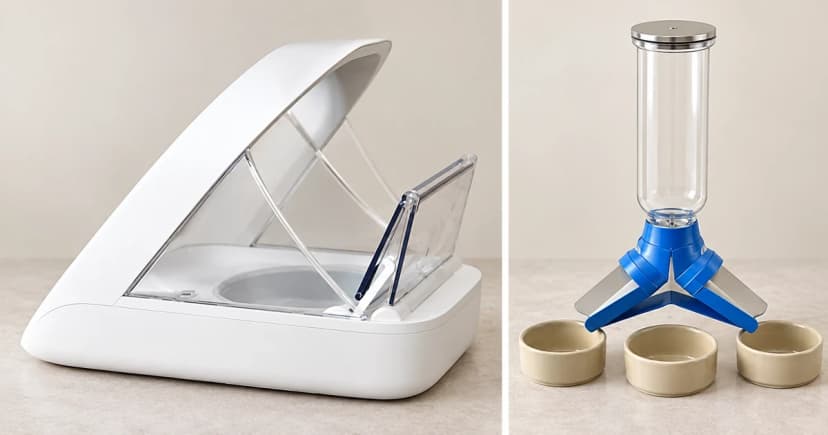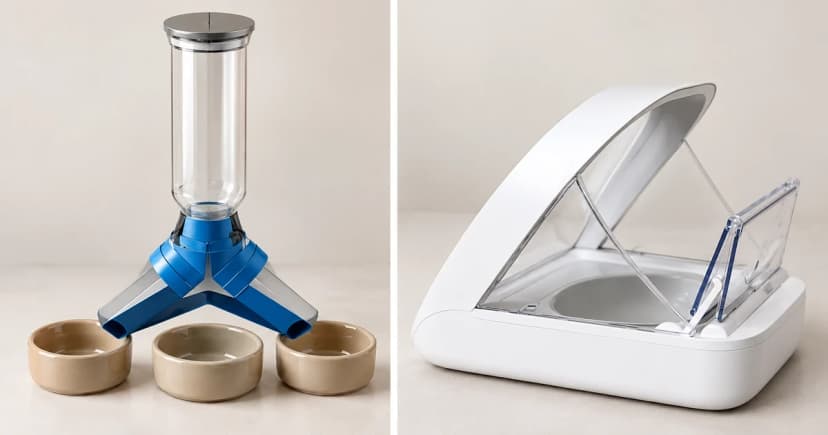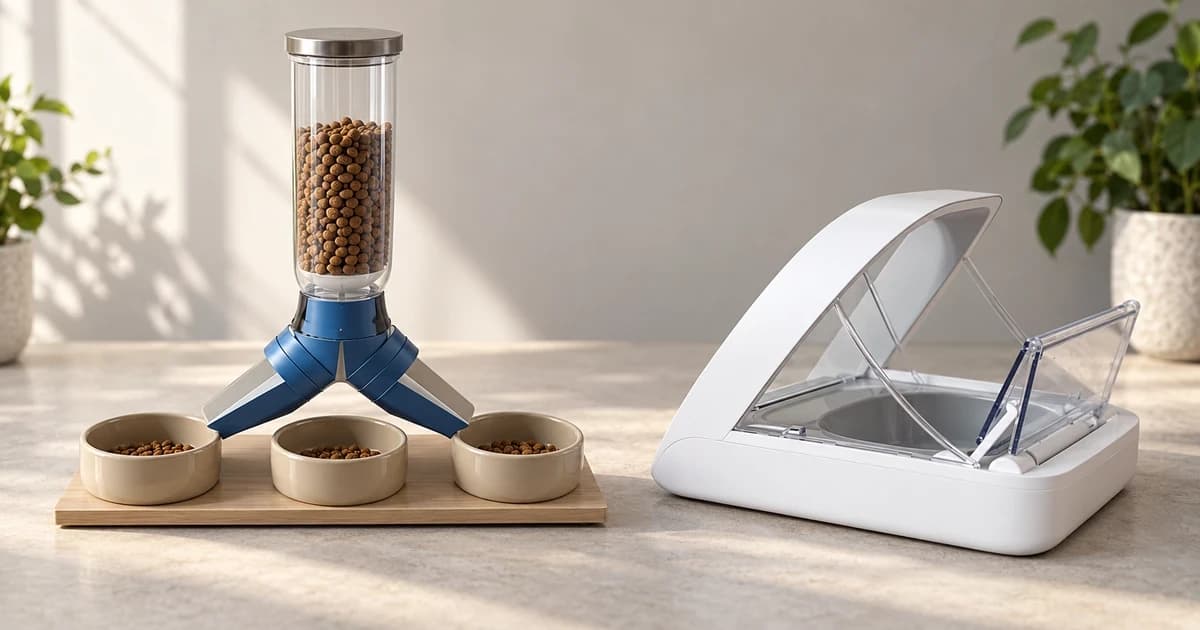
Programming an automatic feeder means telling a particular machine when to release food and which of its portion settings to use. Start with the feeding plan you intend to enter, then follow the instructions for that exact feeder. A number saved on a screen is a setting; food actually arriving in the bowl is a separate observation.
This guide follows two PetSafe interfaces: Healthy Pet Simply Feed and FlexFeed. Their controls and portion units differ. Neither procedure determines how much an individual pet should eat.
Prepare the plan before changing the controls
Write down the intended daily meal times and the amount intended for each meal. If that amount is unresolved, settle the feeding question before translating it into machine settings. Do not choose a ration merely because the feeder offers a preset or a large maximum serving.
Confirm the product name against its matching instructions. Keep three things distinct: the number of meals per day, the time of each meal, and the device's serving setting. A lid that opens for an enrolled pet is a different mechanism from a scheduled food dispenser; see how automatic feeders handle timing, portions and access.
Healthy Pet Simply Feed: use the custom meal menu
PetSafe's Simply Feed programming instructions distinguish dog and cat presets from the custom usr menu. This model supports up to 12 daily meals, times in 15-minute increments, and meal sizes from 1/8 to 4 cups in 1/8-cup increments.
- In the feeding-schedule selection, move down twice to usr, then press right to enter its meal menu.
- For meal 1, press right to reach the hour; use up or down to set it.
- Move right to minutes and set the available time, then move right to meal size and select the amount.
- Move right back to the meal number. Use up to advance to meal 2 and repeat for the intended meals.
- Return to the meal-number field and hold the center button for five seconds to confirm and leave programming. Operating mode displays the next meal's time and size.
For an existing plan, the guide uses a five-second center-button hold to return to setup. Its preset names are not individualized feeding advice.
FlexFeed: enter the meal count, then each time and serving
The FlexFeed programming guide describes a daily repeating plan with up to eight meals. Its M: field and P: setting are not Simply Feed's custom menu.
- Hold the lock button for three seconds or until the beep and unlock icon appear.
- Press and release SET. While M: flashes, choose the daily meal count with up/down, then confirm with SET.
- For meal 1, select the hour, checking AM/PM, and confirm with SET. Select minutes and confirm again.
- When P: flashes, choose a setting from 1 to 15 and confirm with SET.
- Repeat the time and portion entries for subsequent meals. After programming, the feeder returns to its main screen.
The guide's illustrated table labels cup volumes approximate: setting 2 corresponds to 1/8 cup, 8 to 1/2 cup and 15 to 1 cup. Do not turn the numbered range into a universal linear conversion or an exact gram weight. Use this model's own table, not another feeder's units.
Complete FlexFeed's documented priming step
PetSafe's separate FlexFeed priming instructions apply before the first programmed meal and after refilling. Unlock the panel, then press FEED to release one portion. Initially, only a few pieces or no food may emerge. Repeat FEED, stopping when an equal portion of kibble is dispensed each time.
This is an output-based stopping point, not a fixed three-press rule. It also does not show that a scheduled meal has occurred or that a pet has eaten.
Keep a setting record and an observation record
Note the model, meal entries, serving units and the confirmation state you actually saw. Separately record what food release you actually observed. If you only programmed the controls, leave release unconfirmed; if you only saw manual priming, do not label that a successful scheduled meal.
These are three documents from one manufacturer, with distinct model scopes. They do not establish a universal portion weight, a nutritional prescription or a guarantee of unattended feeding.
For a plan affected by an outage, use the separate power-interruption checks. For observed missing or insufficient output, use the model-specific dispensing troubleshooting guide. When comparing equipment, the automatic feeder category is a starting point for checking each product's own instructions.