Registering a pet with a feeder means following that device's instructions for the identity it supports. Start with the exact model and the intended pet, rather than assuming every product described as “RFID” reads the same thing. A stored identity, an app connection and a pet eating comfortably are separate results to check.
This guide gives one named registration example from the non-Connect SureFeed Microchip Pet Feeder manual. It also explains why a different model may need a different approach. Keep the current matching manual beside the device.
Identify the device before choosing a procedure
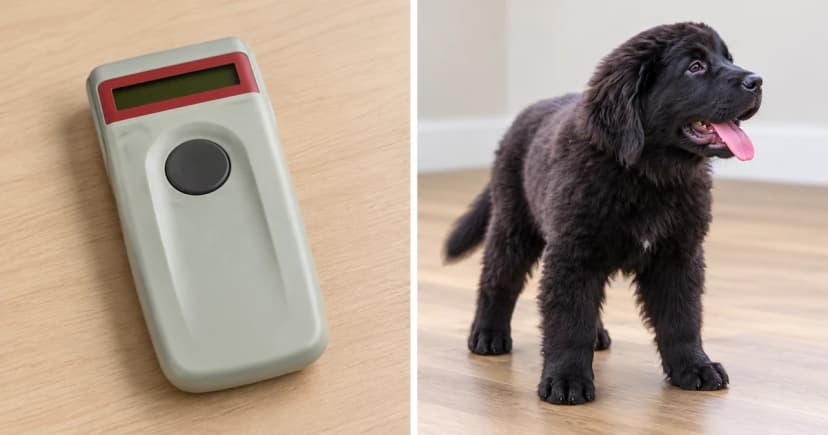
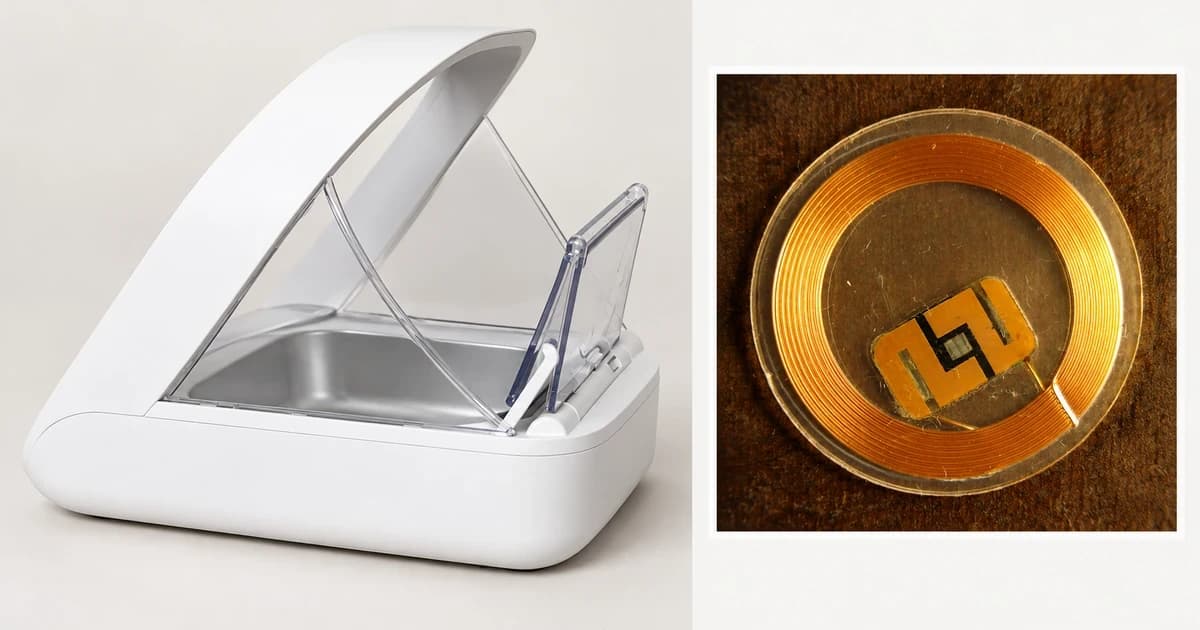
Record the full model name from the unit and locate its matching manufacturer instructions. Include words such as “Connect” when they are part of the name. Then identify what you intend the feeder to recognize: a supported implanted identity or the manufacturer's specified collar tag. Do not substitute a generic tag because its description also says RFID.
Keep a short equipment record rather than relying on the appearance of an arch or lid. A photograph cannot establish which firmware, reader or enrollment method a unit has. If the manual's model name or controls differ from your equipment, resolve that mismatch before choosing its procedure.
| Item to identify | What to record |
|---|---|
| Exact feeder | Full model name and the matching manufacturer's manual. |
| Supported identity | The chip or named tag supported by that model, with any unresolved compatibility question. |
| Intended pet | The individual whose access you are setting up. |
| Expected confirmation | The manual's stated signal or behavior, before interpreting anything you observe. |
Worked example: the non-Connect SureFeed feeder
The manufacturer's Microchip Pet Feeder manual, English page 8, gives this sequence for the standard non-Connect model:
- Keep other pets away. Press the rear Add Pet button.
- The lid opens and the light flashes green once each second. A second press cancels learning.
- Put food or treats in the bowl in the pet's usual feeding place. The pet must place its head through the hoop for the presence sensors to activate reading.
- When learned, the light becomes steady. After the pet moves away, the lid closes and the green light turns off.
The manual says the stored identity survives battery removal and the process can be repeated for up to 32 pets. Its separate Training Function introduces lid movement gradually; learning and training are different controls. It also says not to force a pet to feed. If an unintended pet was learned, consult the matching troubleshooting instructions. The manual expressly does not guarantee exclusion of every other pet in every circumstance.
Keep other models' requirements separate
The separate SureFeed Microchip Pet Feeder Connect product page describes a Hub linking that model to the Sure Petcare app. That is additional equipment and connectivity context.
PETLIBRO's One RFID feeder FAQ provides a useful compatibility counterexample: that named feeder requires its provided collar tag, does not read a pet's implanted microchip and links to one RFID tag per feeder. This is a model-specific distinction, not a pairing tutorial. Use that product's own complete instructions for its actual setup.
These differences make a single “press this button on any RFID feeder” recipe unhelpful. Keep the source of each instruction with the exact device.
Record the result without changing its meaning
Write down what actually happened alongside the expected confirmation. For example, “the lid opened” describes movement; it does not identify why it opened. “The pet ate” records another observation. Keep those notes separate from a statement that the device completed its specified learning process.
If a result is unclear, retain the observed sequence and the model details when contacting support. That is more useful than repeatedly changing settings and losing track of which action produced which result. Resolve registration questions before assuming a different mode or reset is needed.
| Record separately | Useful note |
|---|---|
| Identity enrollment | Which pet or supported tag was intended, and which specified confirmation you observed. |
| Device or app connection | Any connection setup required by the exact model, with unresolved items kept visible. |
| Pet's use of the feeder | What you actually observed about approach, eating and departure. |
| Remaining access question | Any unexplained opening, closing or other pet's access to discuss with the maker. |
Keep this record with the matching instructions for the next person caring for the equipment. It can distinguish an unfinished setup question from a later change in behavior, without turning a brief observation into a reliability claim.
For the broader distinction between dispensing food and opening access to a prepared bowl, see how automatic cat-feeder mechanisms differ. Our microchip and RFID feeder category is a category reference, not confirmation of an available model or compatible tag. The editorial policy explains our source-based guidance.