
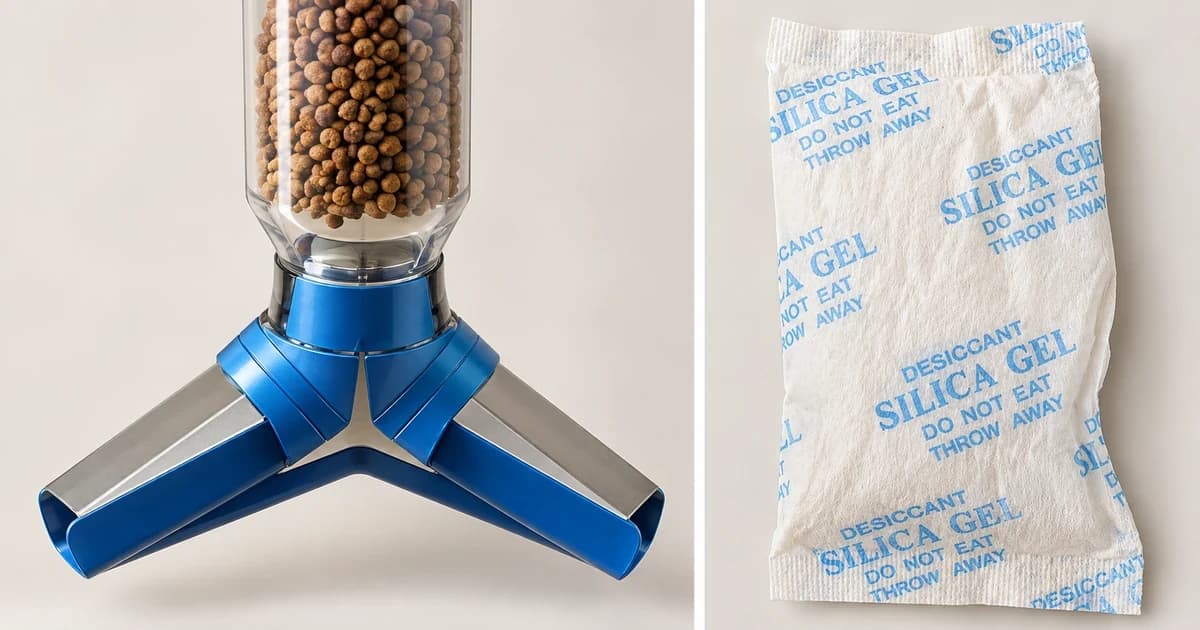
To handle automatic pet feeder desiccant bag replacement accurately, match the replacement packet to the exact feeder, follow that model's holder instructions and check the required number of packs per change. Record the change and the maker's next replacement condition. A packet that looks similar, or a reminder disappearing from an app, does not establish that the right accessory was installed.
This is a consumable-replacement task. Taking a bag out while washing the feeder does not tell you whether to reuse it, which replacement belongs there or how often that particular model's maker recommends changing it.
Identify the feeder, replacement and holder
Find the feeder's full model name and the manufacturer's current accessory description. Compare both the supported feeder family and any replacement part number. Keep those identifiers with the packaging rather than relying on the packet's colour, dimensions or the word "desiccant" alone.
Identify the holder separately from the consumable. Check where it belongs, which cover retains it and how the matching instructions say to open and close that cover. Do not cut, modify or improvise a holder to accommodate an uncertain replacement.
Also distinguish the number of packets sold in a retail set from the number installed at one change. A multipack can supply several replacement occasions; its package count is not an assembly instruction.
Use the replacement information for the named feeder
These examples draw on three official pages from two publishers. They illustrate different accessory information and replacement conditions on how to replace automatic pet feeder desiccant bag consumables, not a universal interval or independent moisture-control tests.
Catit PIXI Smart Feeder
Catit's PIXI Desiccant Pack page identifies accessory #43724 for the PIXI Smart Feeder and describes an integrated holder in the feeder's top cover. It recommends replacement every 30 days.
The product is sold as a set of three packs. That retail quantity does not, by itself, instruct you to install three at once. Use the actual feeder's instructions for the installed quantity and holder closure, rather than treating the sales package as a parts diagram.
Granary 2 packs are not a general PETLIBRO refill
Before starting a PETLIBRO change, verify the feeder series first. The Granary 2 Food Desiccant Bag page explicitly limits these packs to the Granary 2 Series and says they are not compatible with other PETLIBRO feeders. A matching brand name is therefore not enough to choose this replacement.
The page also offers an app reminder as a way to track the replacement schedule. A reminder is a date-management aid, not a demonstrated measurement of a packet's moisture state or proof that a replacement has been fitted.
PETLIBRO Granary 2 replacement sequence
Once you have confirmed the feeder belongs to the Granary 2 Series, PETLIBRO's replacement article linked under Granary 2 says to replace both packs every 14 days, or earlier if they become hard or damp. Its sequence is to open the food-tank lid, remove the old packs, insert two new packs as instructed and close the lid tightly.
Keep both the two-pack requirement and that replacement condition with this named series. They do not establish the interval, quantity or holder-opening action for every PETLIBRO feeder or for a different brand.
| Named feeder example | Consumable identifier and compatibility scope | Retail pack count vs. installed quantity | Published replacement condition |
|---|---|---|---|
| Catit PIXI Smart Feeder | Catit PIXI Desiccant Pack (#43724) for the top-cover integrated holder | Sold as a retail pack of 3; check the feeder's own manual for the single-change installed quantity | Every 30 days |
| PETLIBRO Granary 2 Series | Granary 2 Food Desiccant Bag (strictly for Granary 2 Series; not compatible with other PETLIBRO feeders) | Install 2 new packs in the food-tank lid per replacement | Every 14 days, or earlier if the packs become hard or damp |
Change the pack without turning it into a refill project
Use the matching instructions to access the holder and remove the old consumable. Keep the replacement in its intended packet; do not pour loose granules into the holder, open and refill the sachet, or substitute a packet saved from unrelated packaging.
Do not infer permission to wash, bake or regenerate a pack from a general article about drying agents. If the intended packet or retaining cover does not fit as described, leave that mismatch open rather than forcing it.
Record the replacement and actual closure
Before finishing, account for the old packs, confirm the documented replacement count and check the holder and lid against the model's closing instructions. Record the feeder model, replacement identity, change date, next named replacement condition and any uncertain detail.
Set a reminder only after recording what you actually changed. Resetting or dismissing a reminder cannot confirm an unseen physical action, and a closed lid alone does not identify the packet inside.
Cleaning the food path remains a separate job; see cleaning a feeder's hopper and food chute for the distinction between removable parts and a dry electrical base. The automatic pet feeder category provides equipment context without confirming an available replacement or compatibility.
This guide reports no packet-fit, humidity, food-preservation or safety test. Our editorial policy explains source-based guidance.